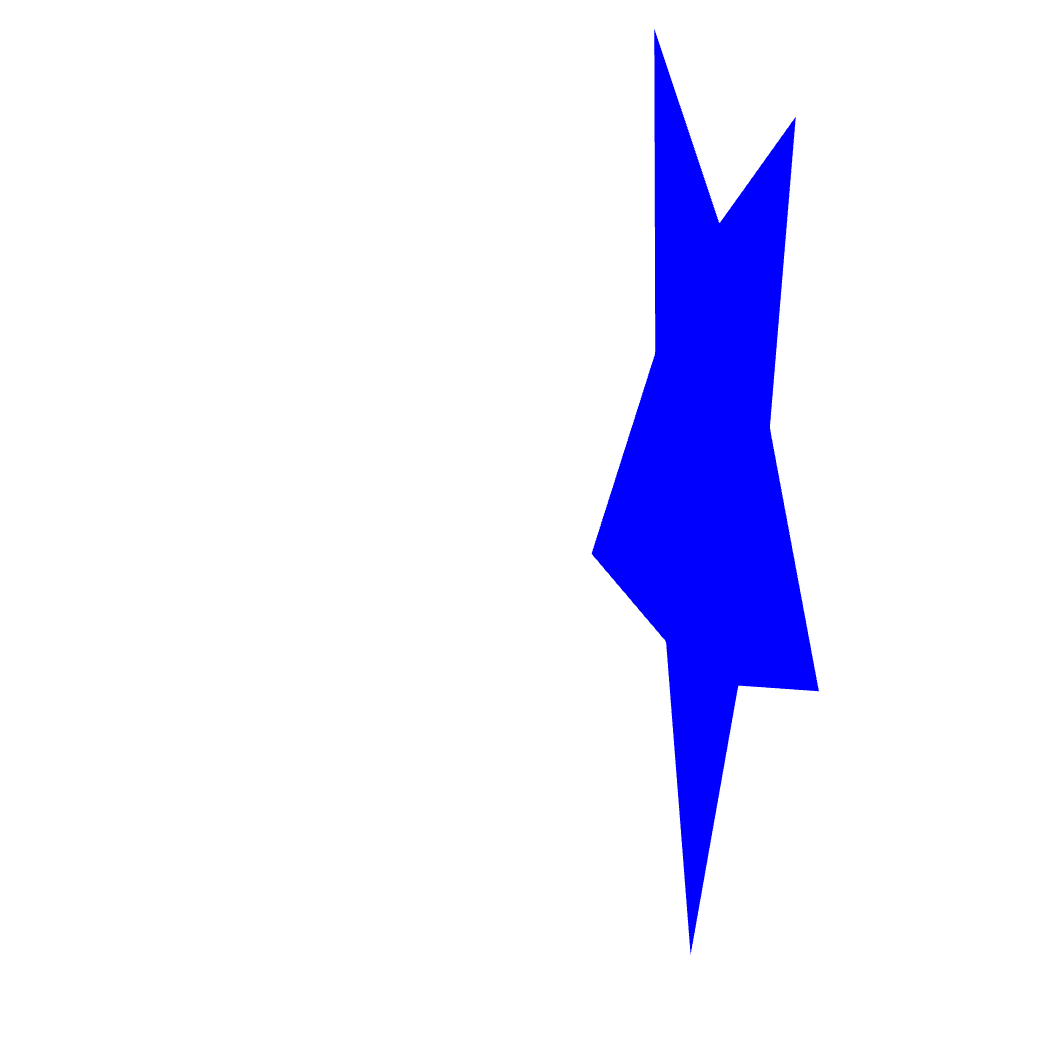
Custom Transform
BasicApply custom transformation matrices to shapes
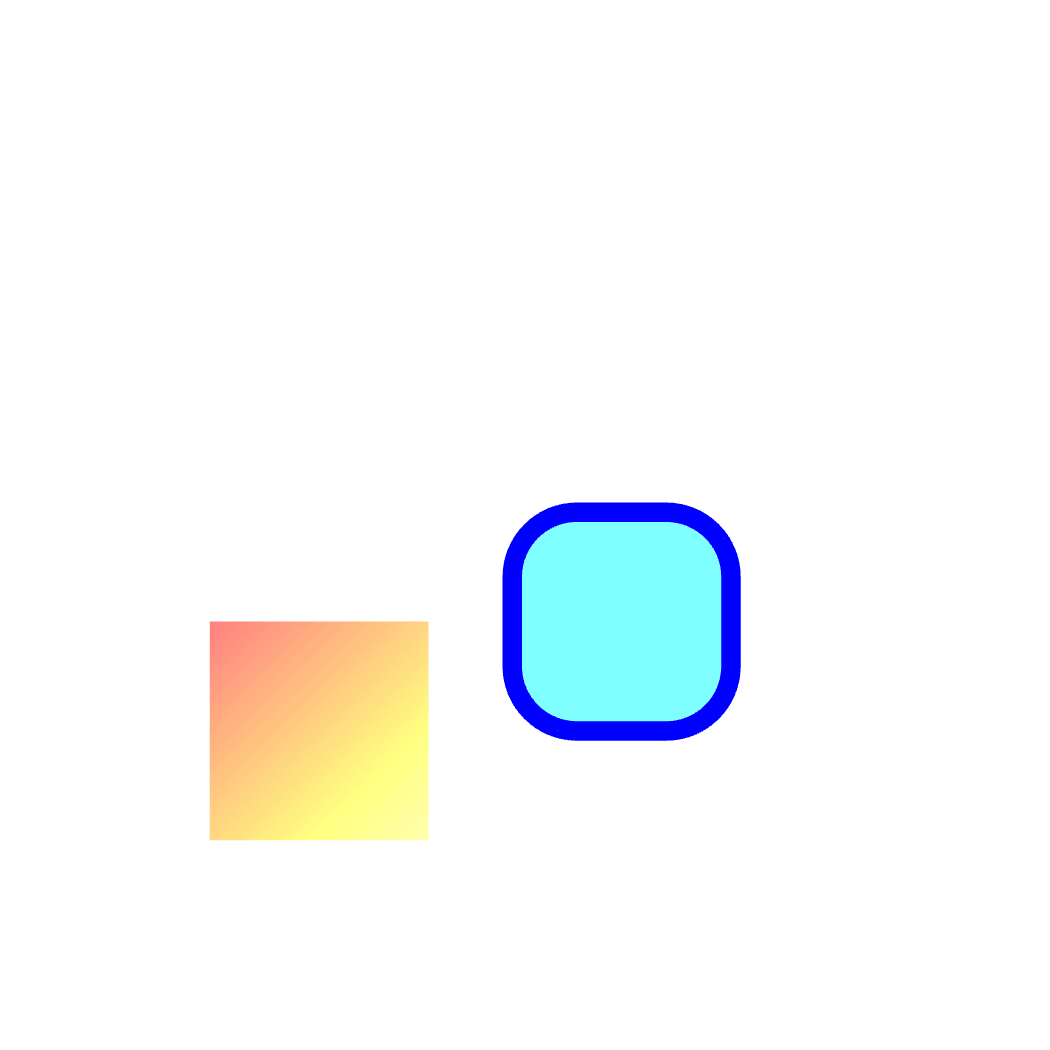
Direct Update
BasicDirect shape updates with retained properties
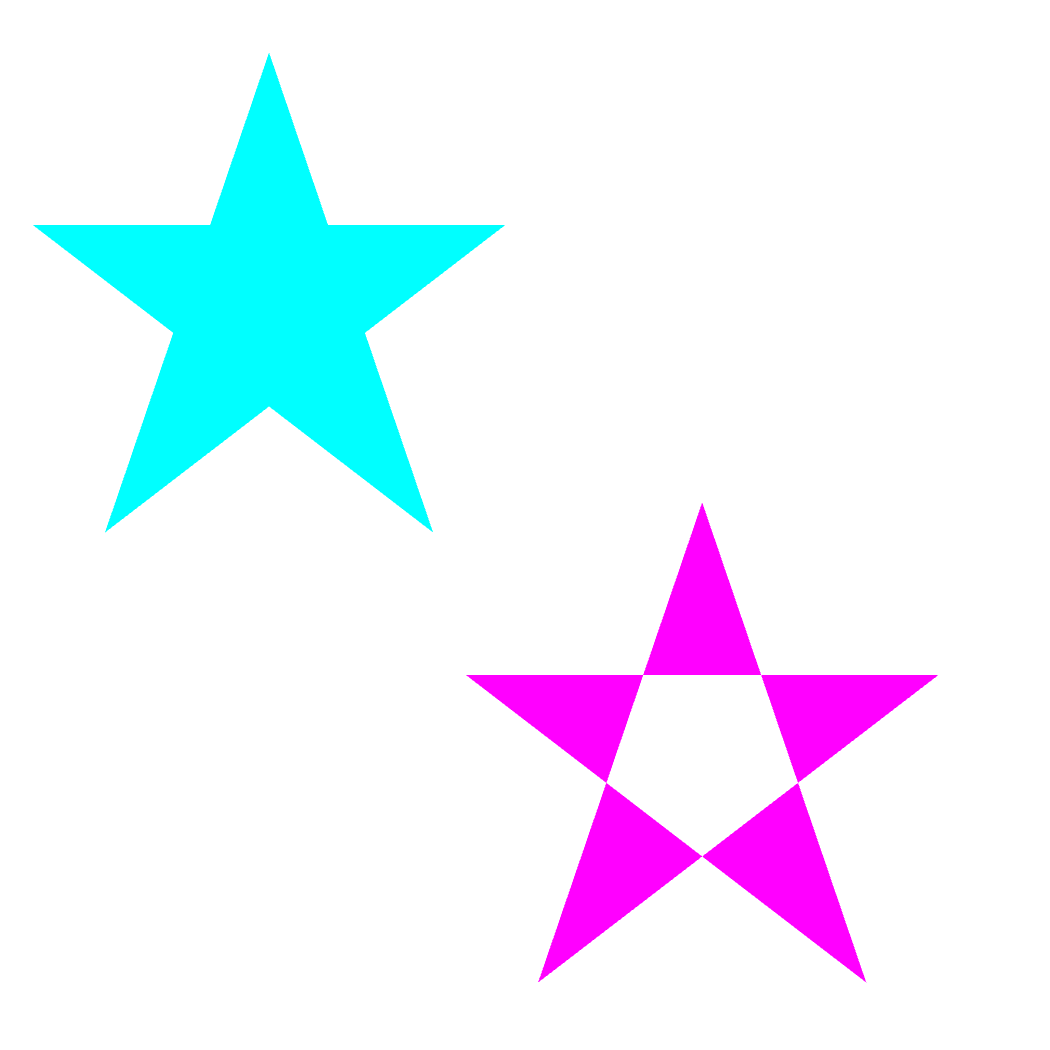
Fill Rule
BasicDemonstrate shape fill rules
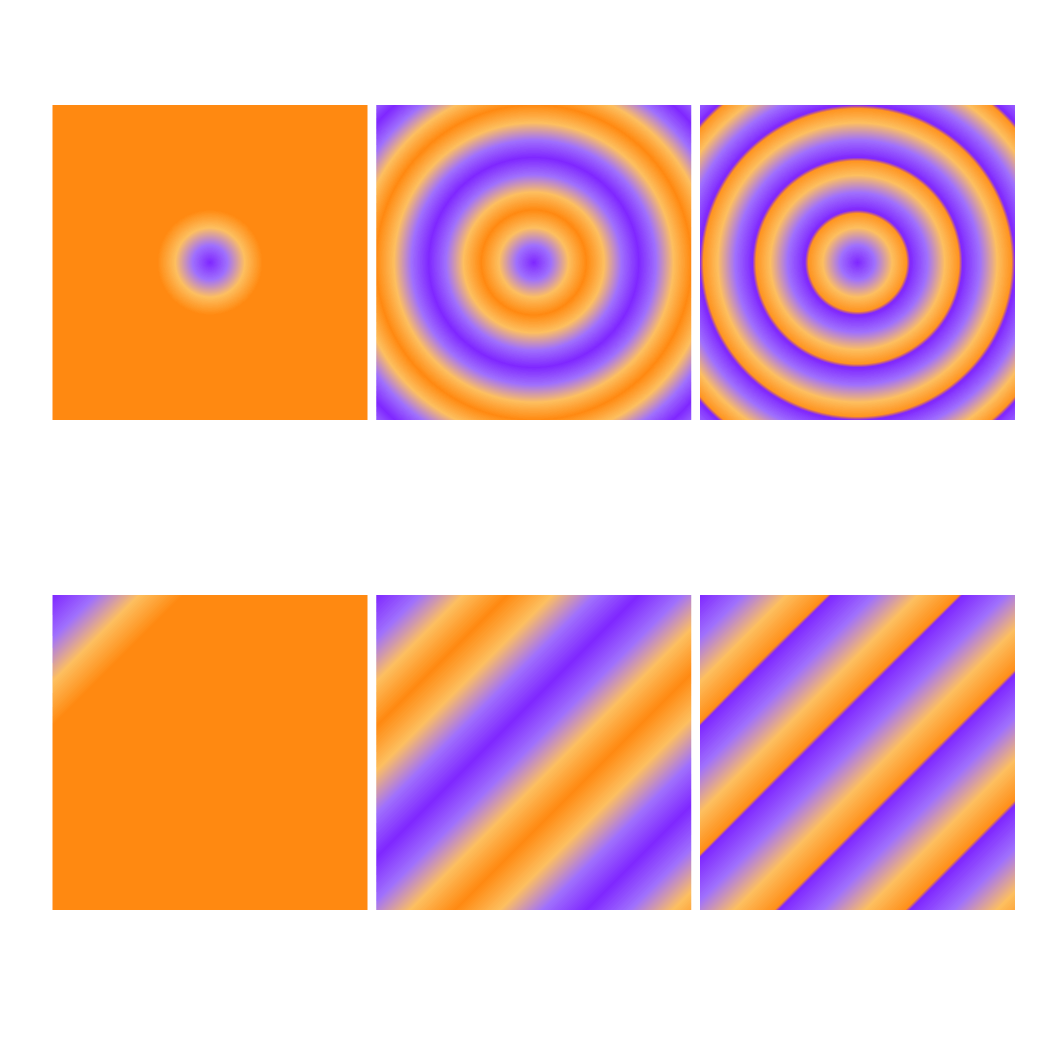
Fill Spread
BasicDemonstrate gradient spread modes: pad, reflect, and repeat
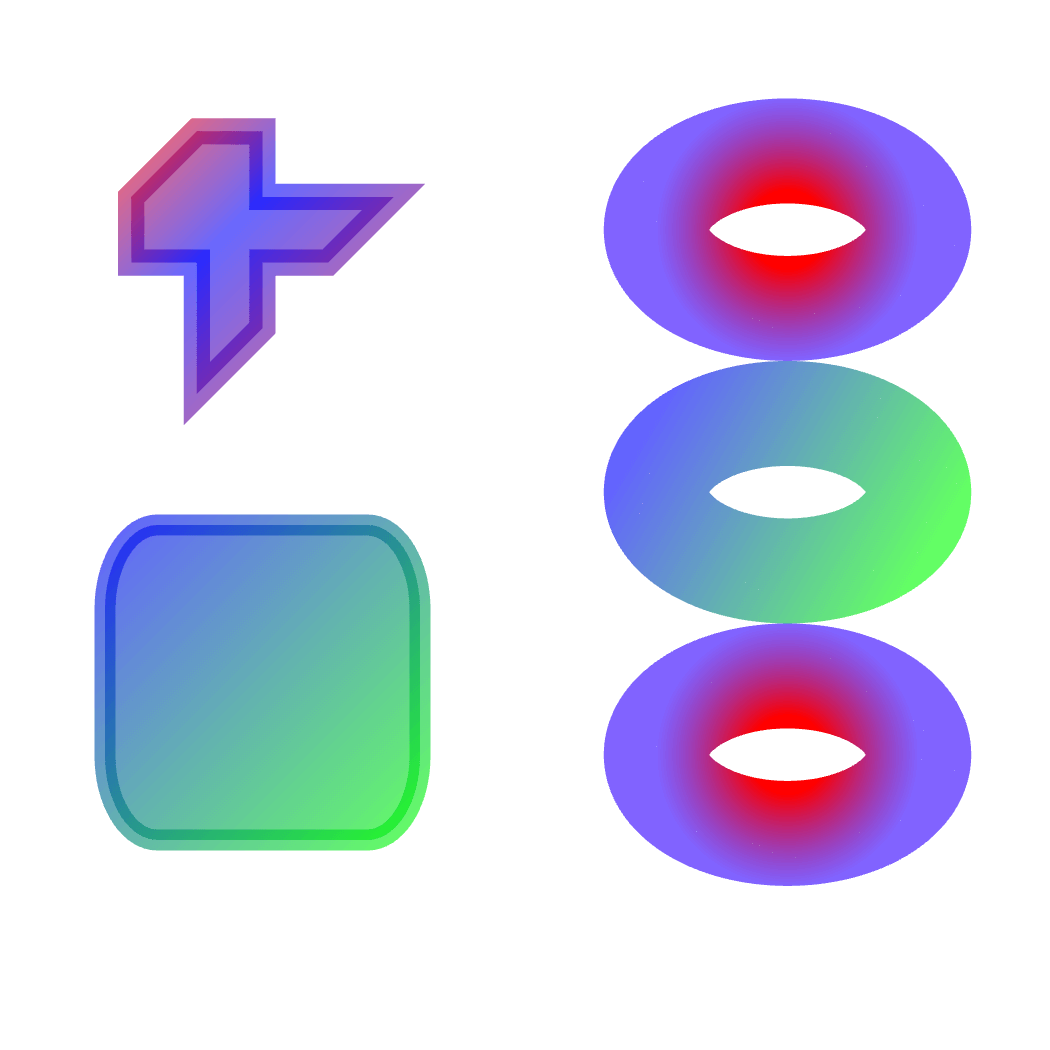
Gradient Stroke
BasicApply linear and radial gradients to strokes
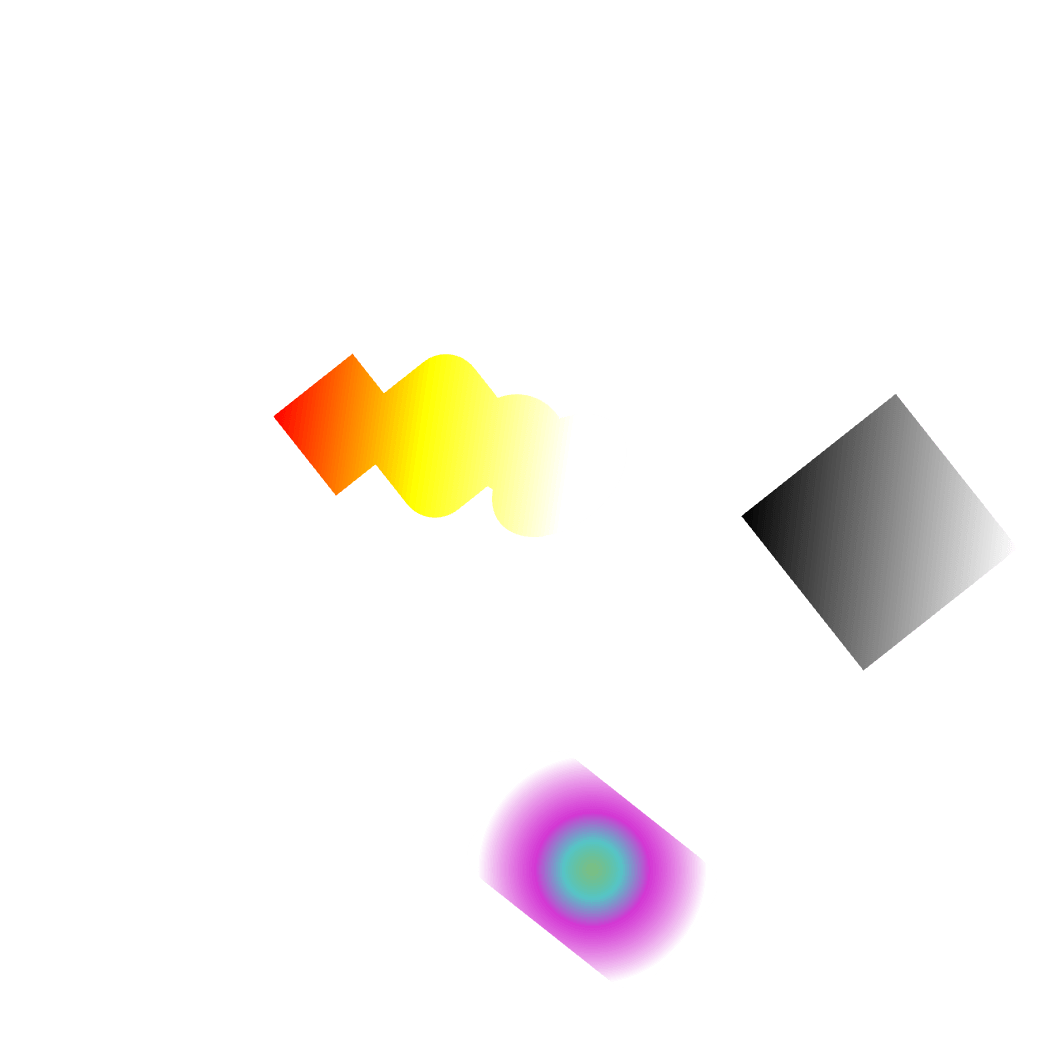
Gradient with Transforms
BasicAnimate gradients with shape transformations
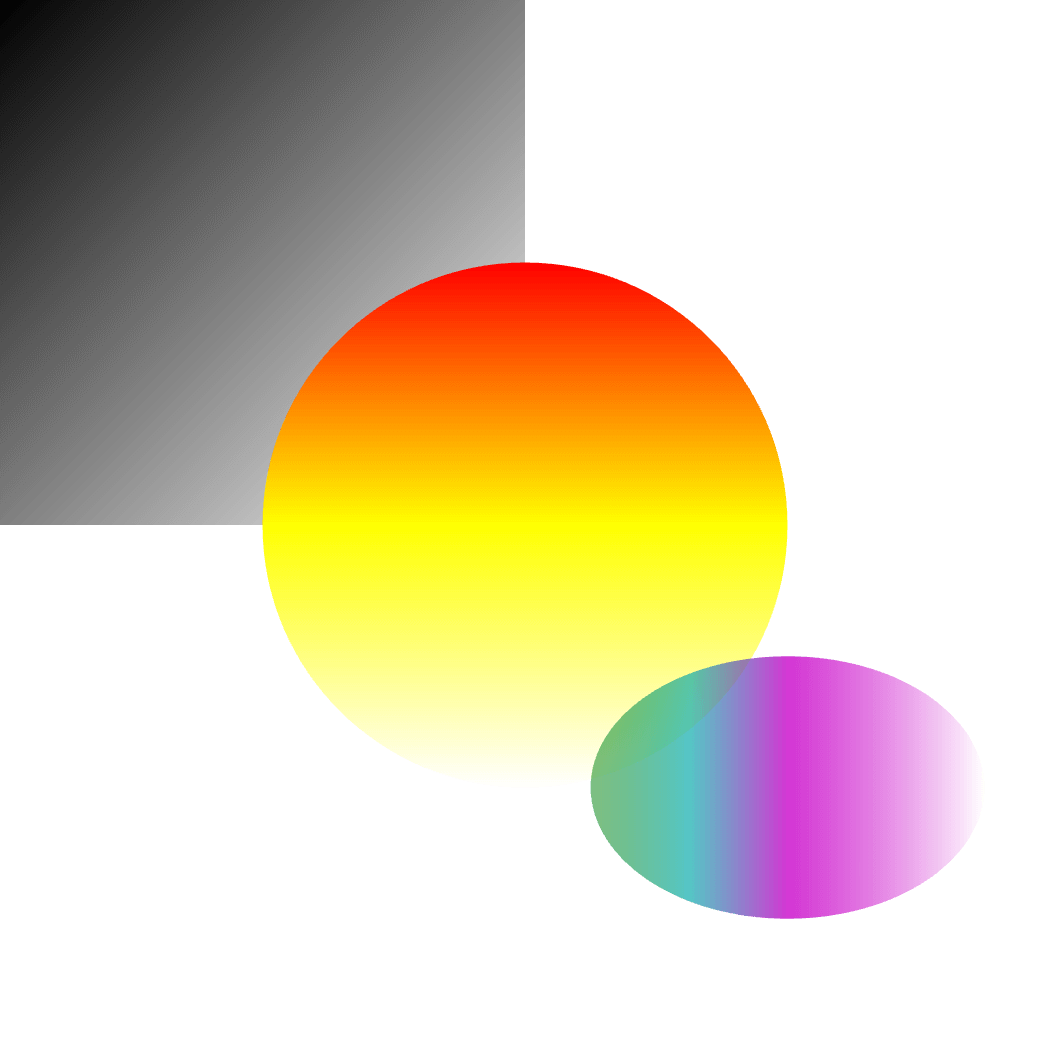
Linear Gradient
BasicApply linear and radial gradients to shapes
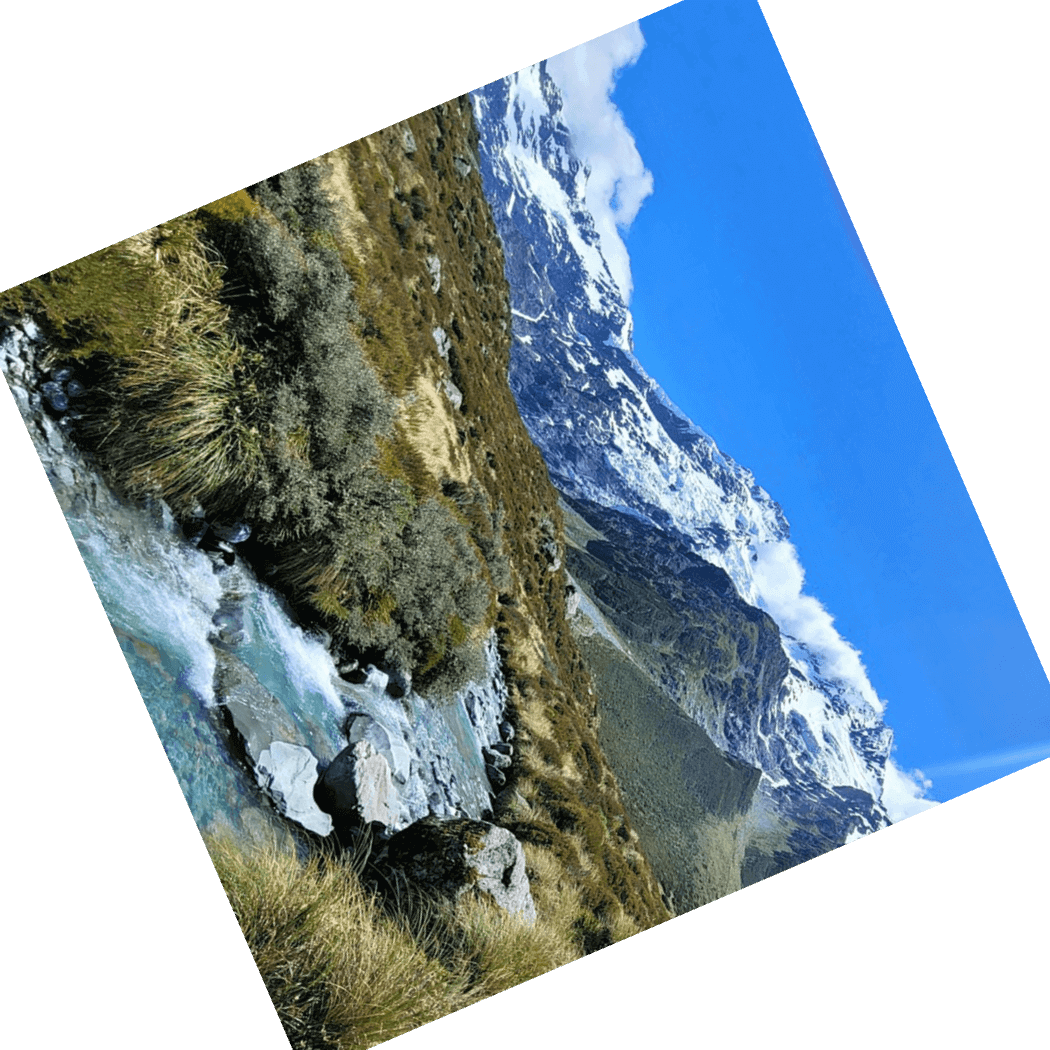
Image Rotation
BasicRotate images around center origin
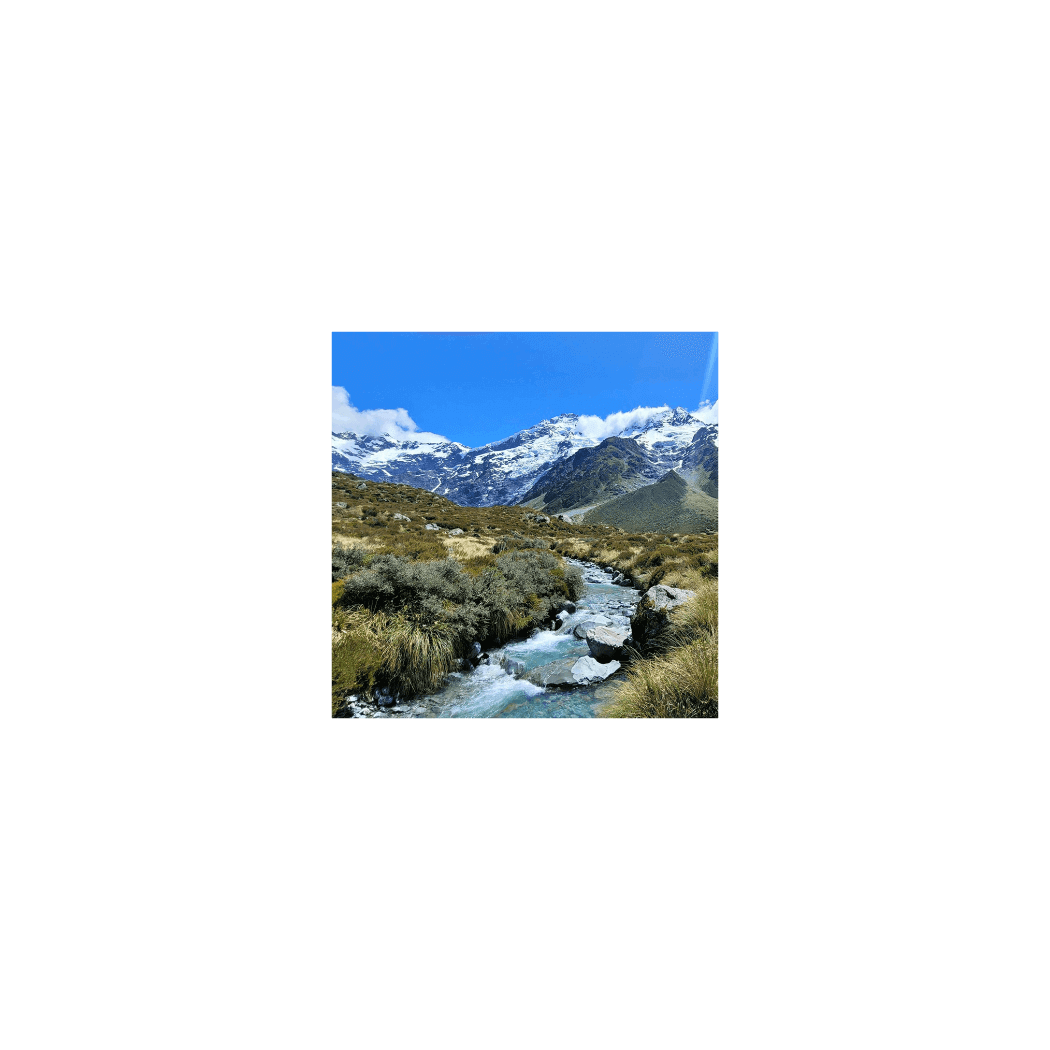
Image Scaling
BasicScale images around center origin
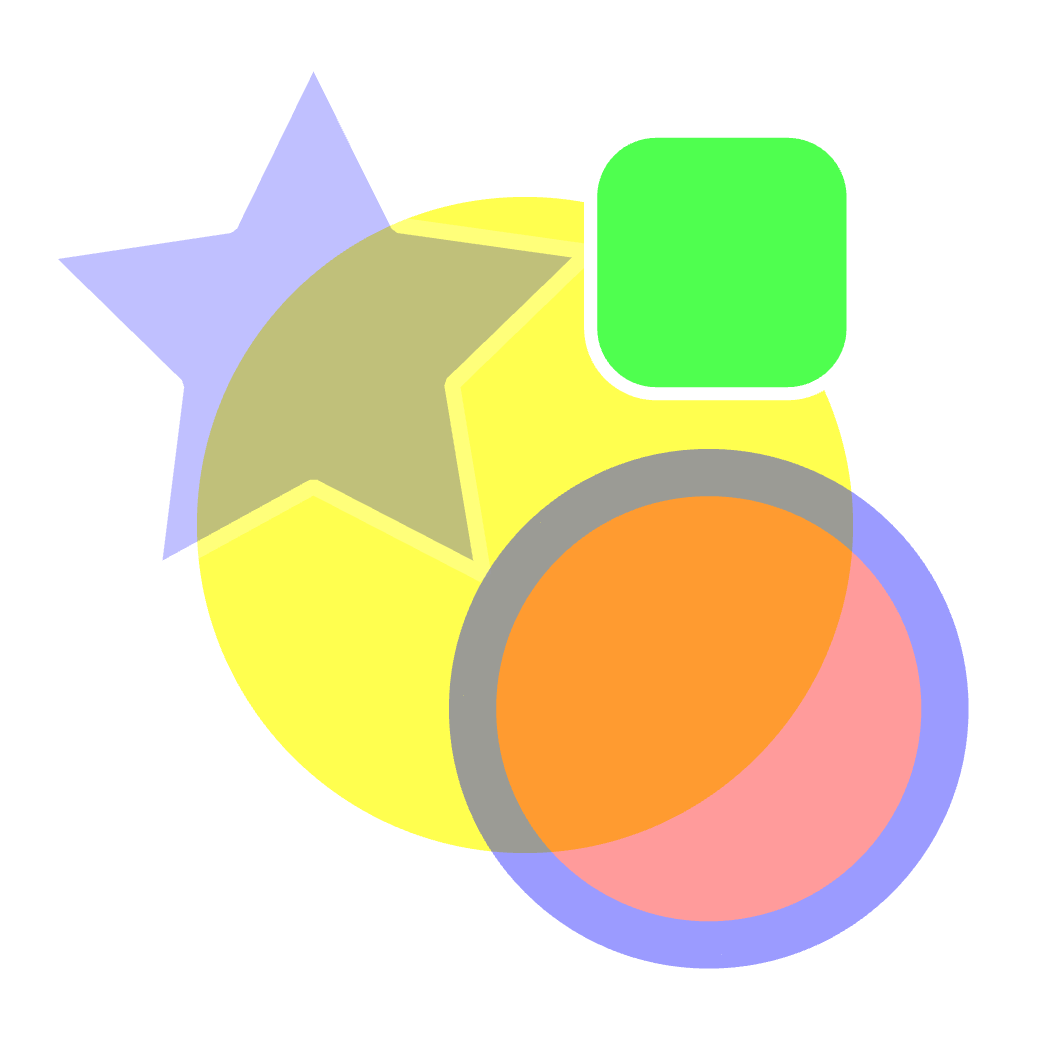
Opacity
BasicDemonstrate opacity control on shapes and scenes
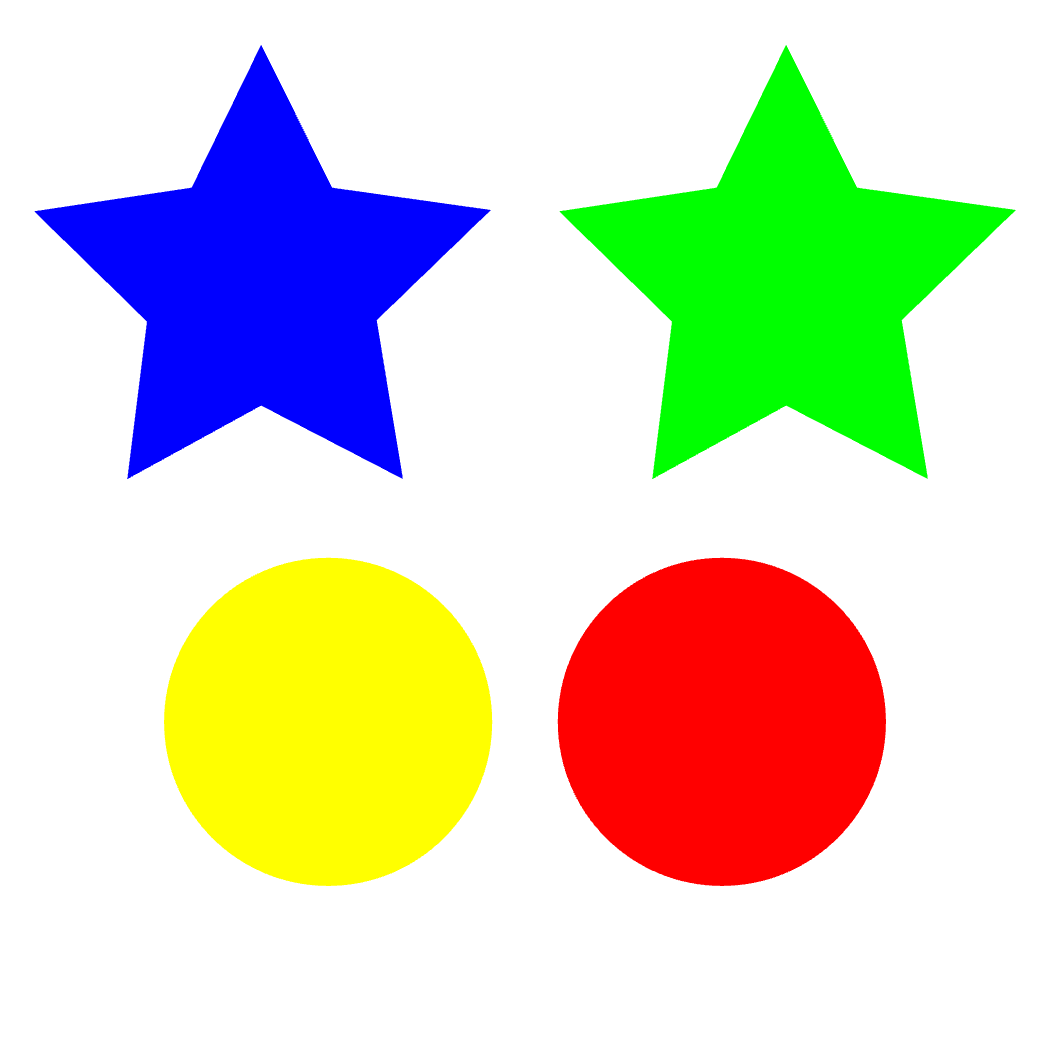
Path Drawing
BasicDraw shapes using path commands
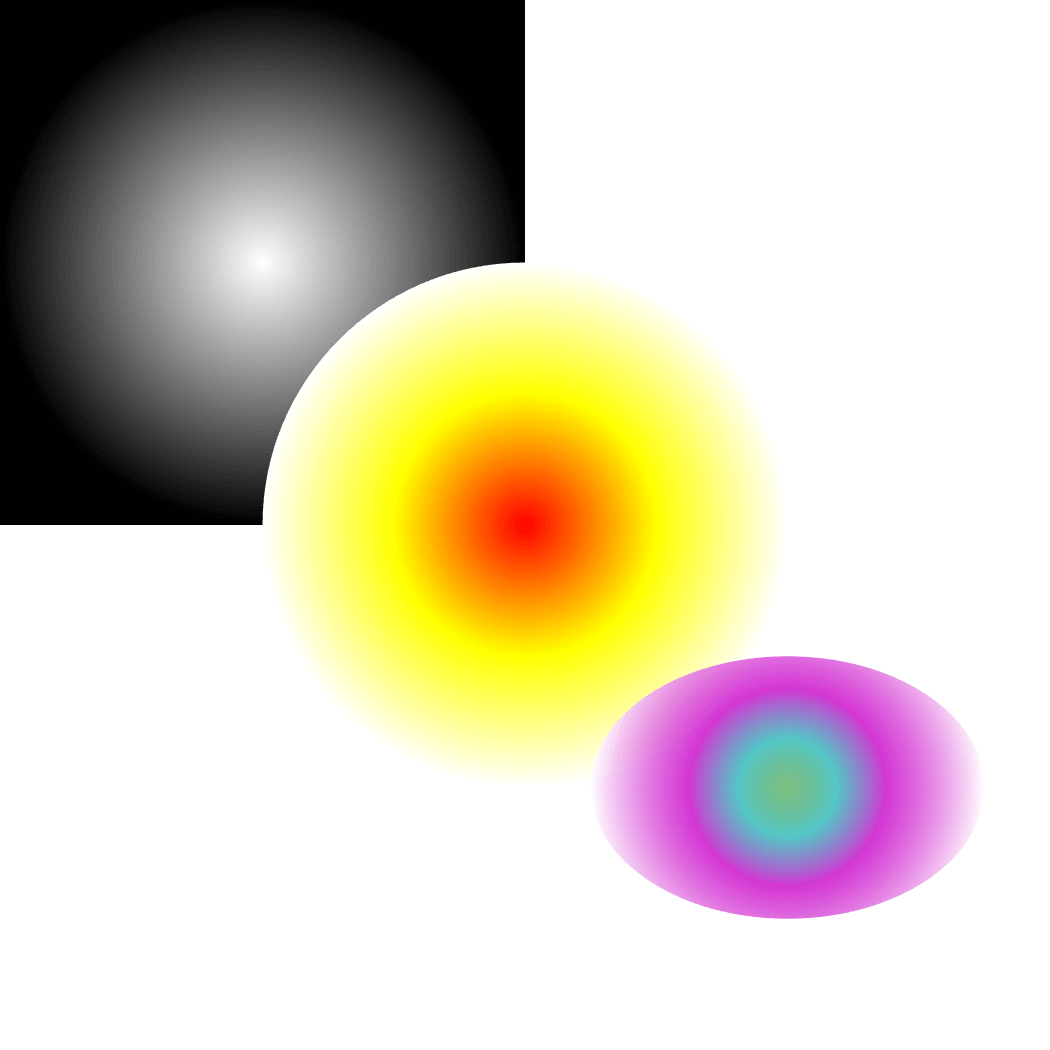
Radial Gradient
BasicDemonstrate radial gradients
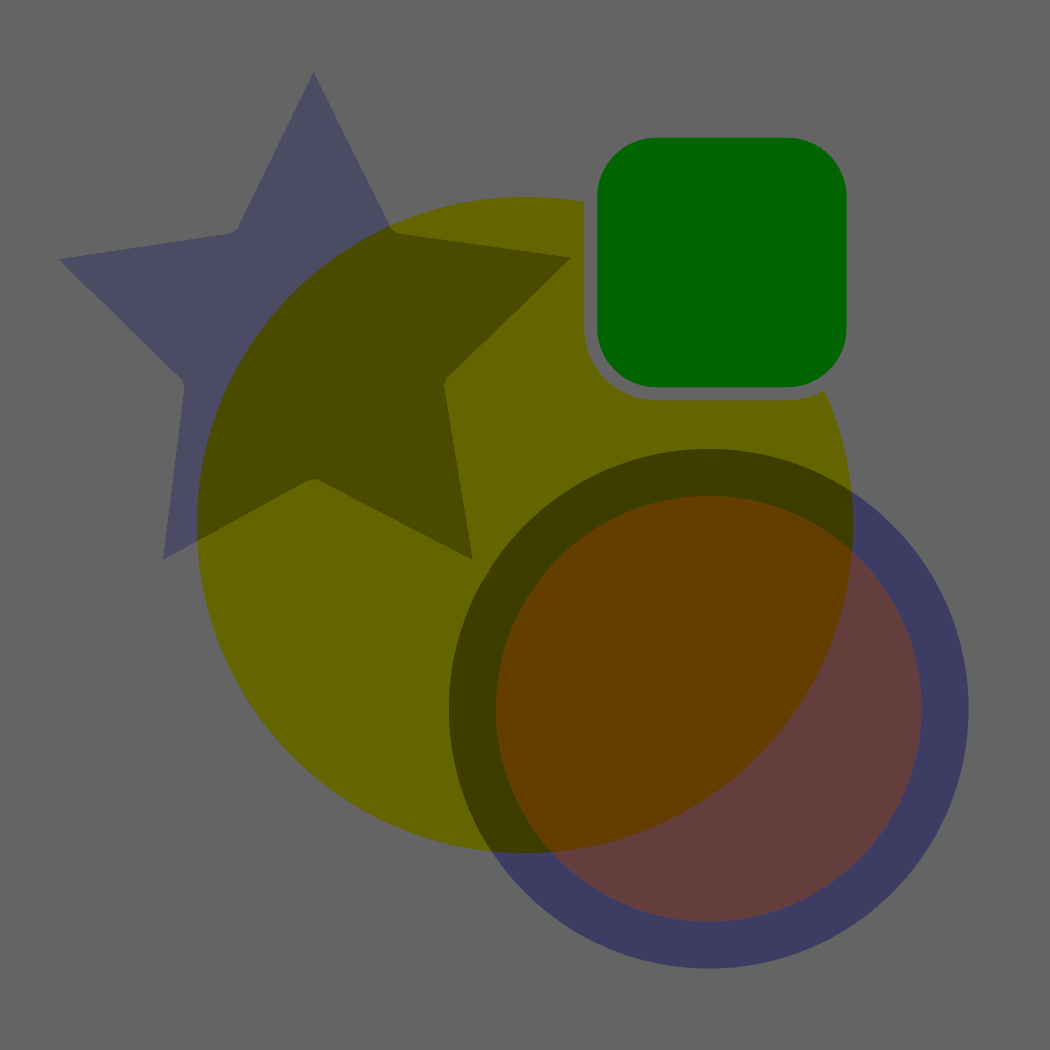
Scene Blending
BasicDemonstrate scene blending modes
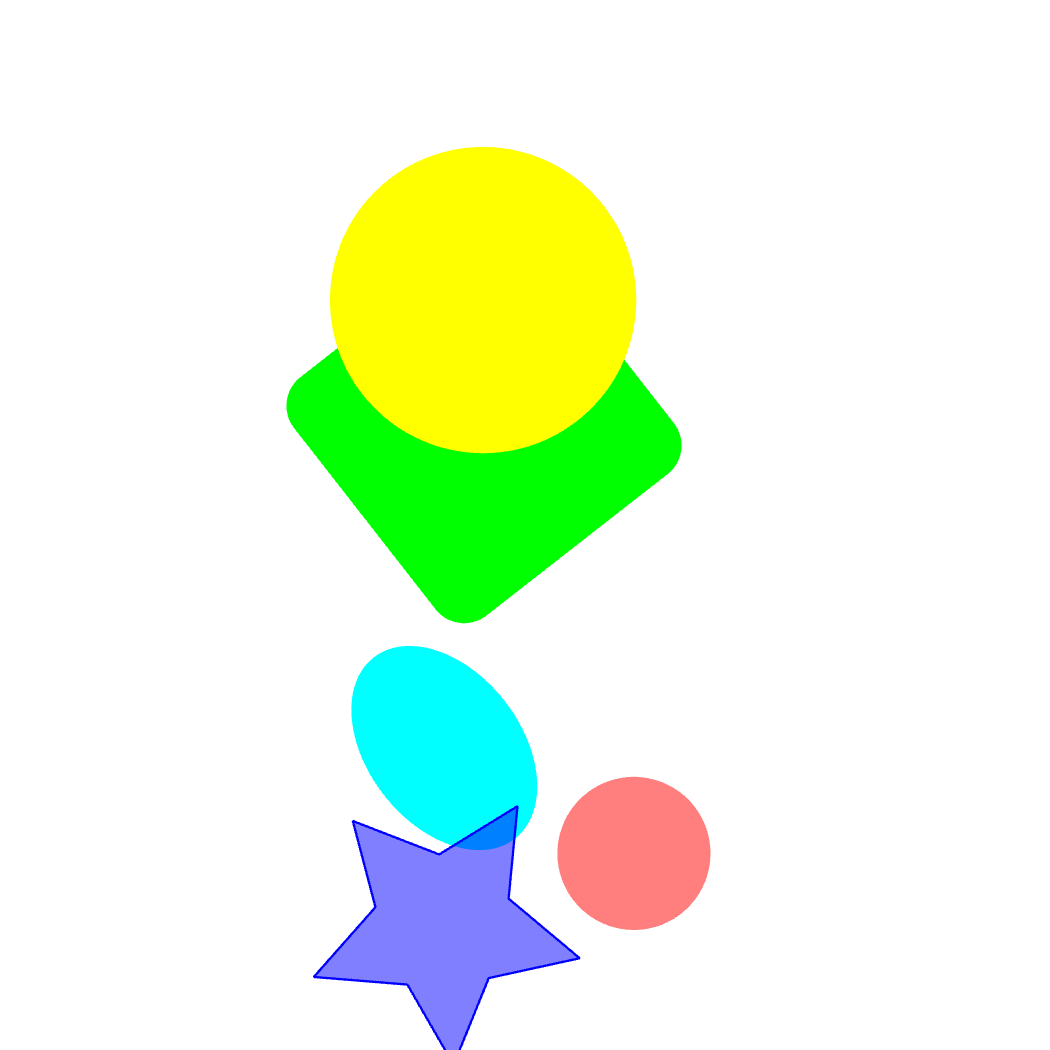
Scene Transform
BasicAnimate scene transformations with rotate, scale, and translate
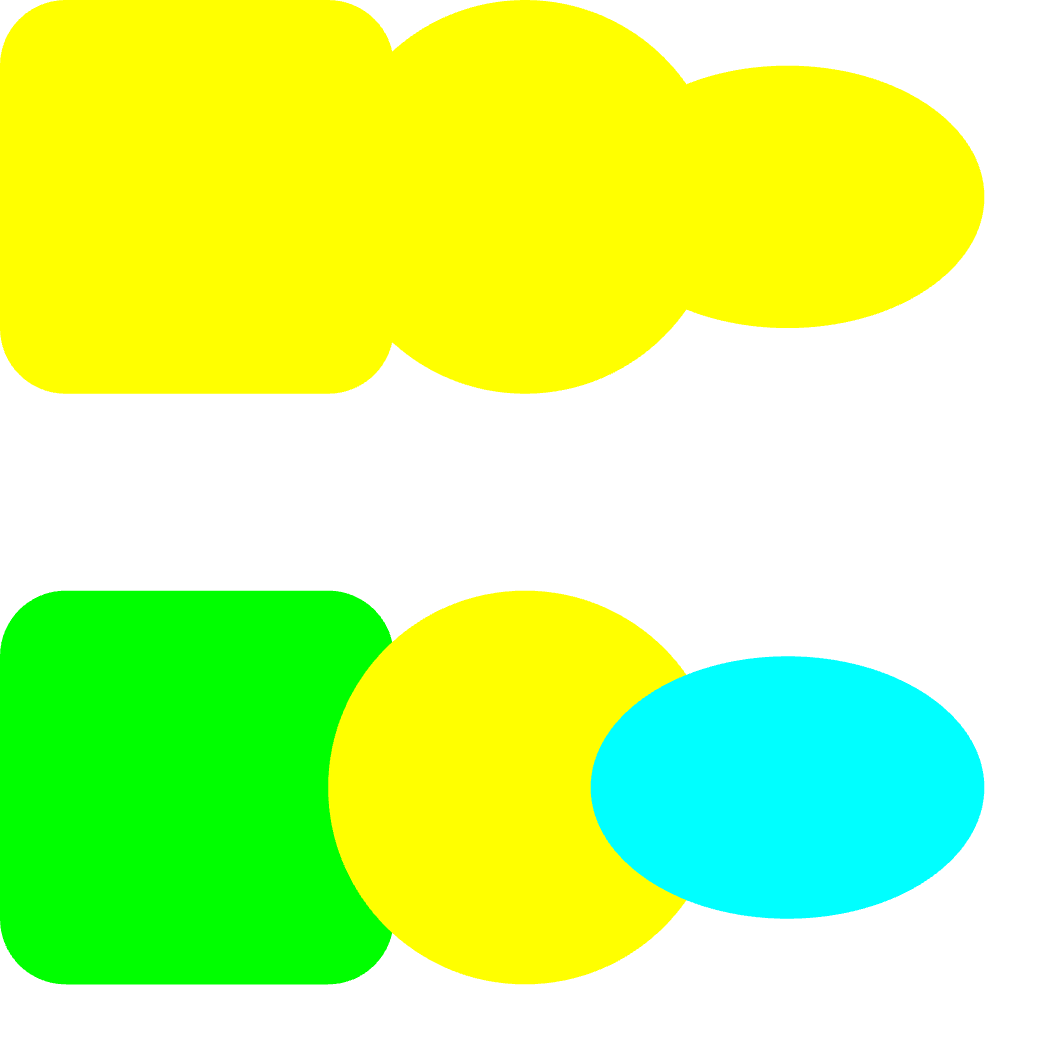
Shapes
BasicDraw simple shapes
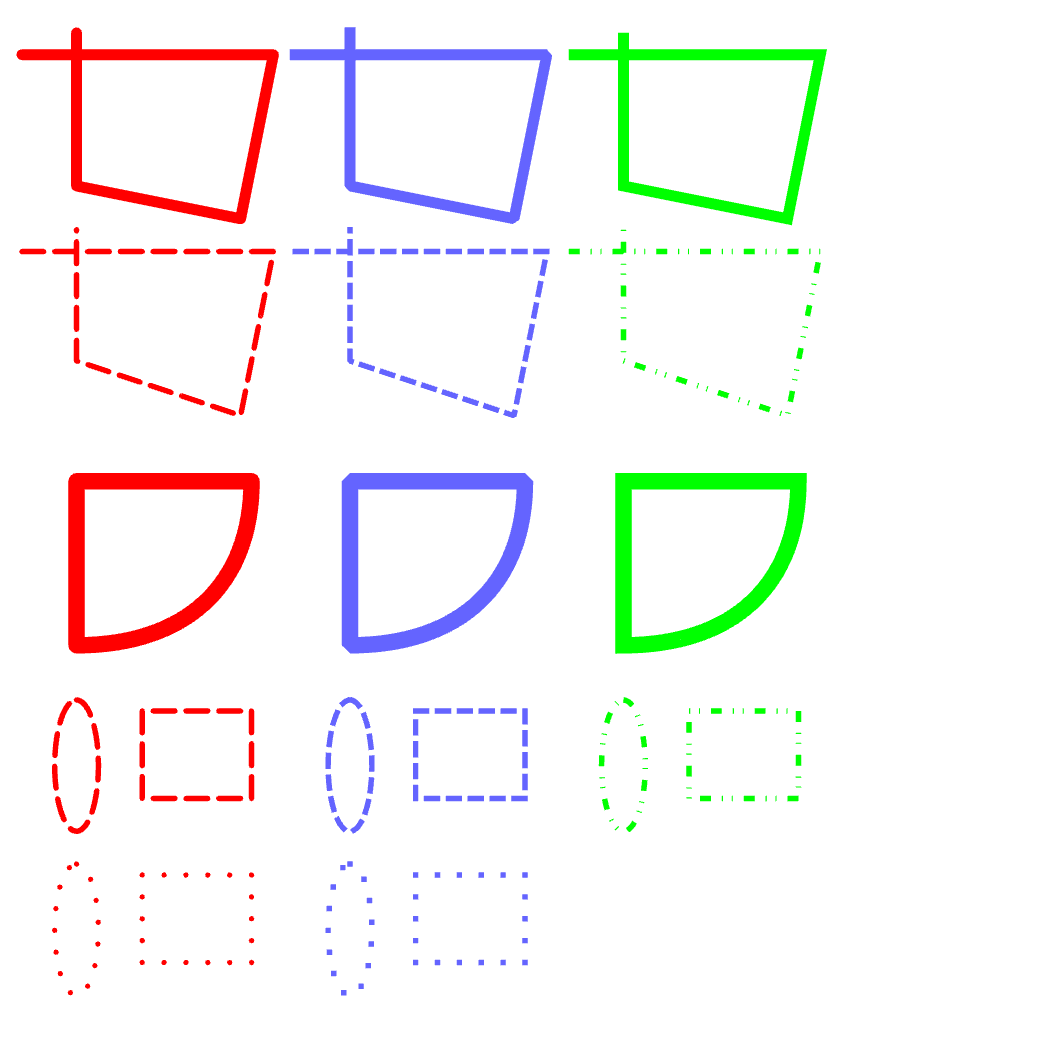
Stroke Line
BasicDemonstrate stroke join and cap styles
Stroke Miter Limit
BasicDemonstrate stroke miter limit behavior
Stroke
BasicDemonstrate stroke width, join, and cap styles
Shape Transform
BasicAnimate shapes with rotation and scaling
Path Trimming
BasicTrim paths to show only portions of shapes
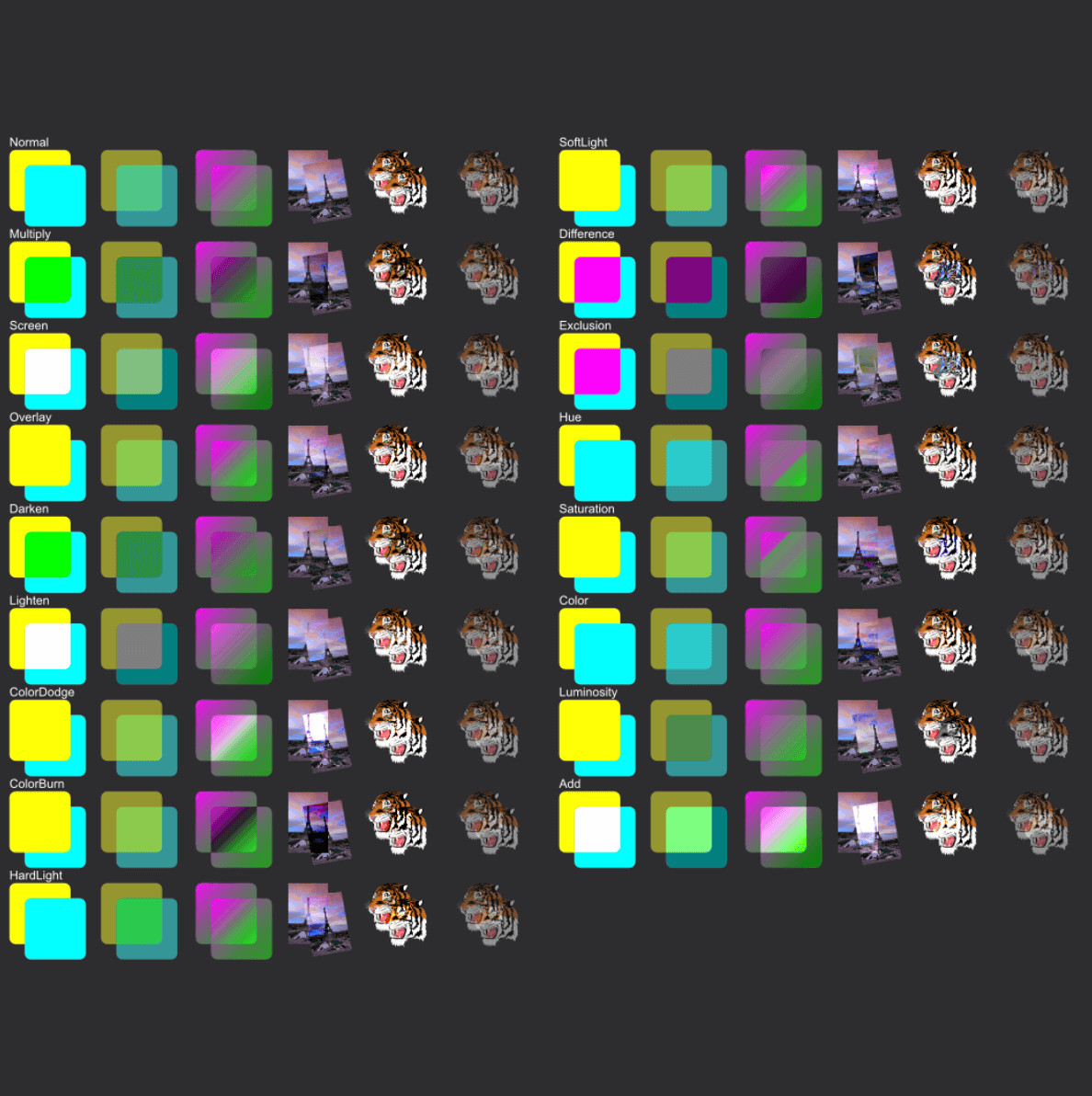
Blending
AdvancedDemonstrate all blend modes with various paint types
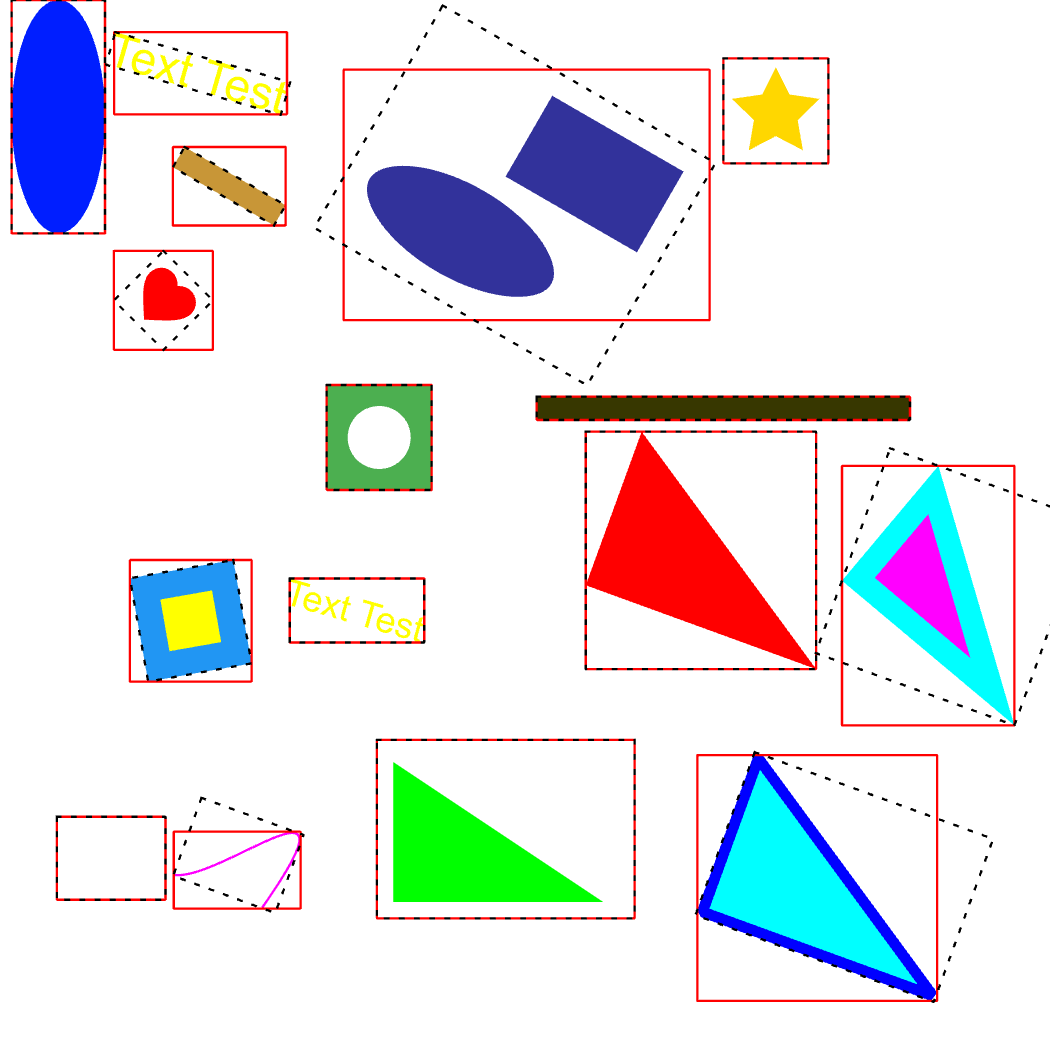
Bounding Box
AdvancedDisplay bounding boxes around objects
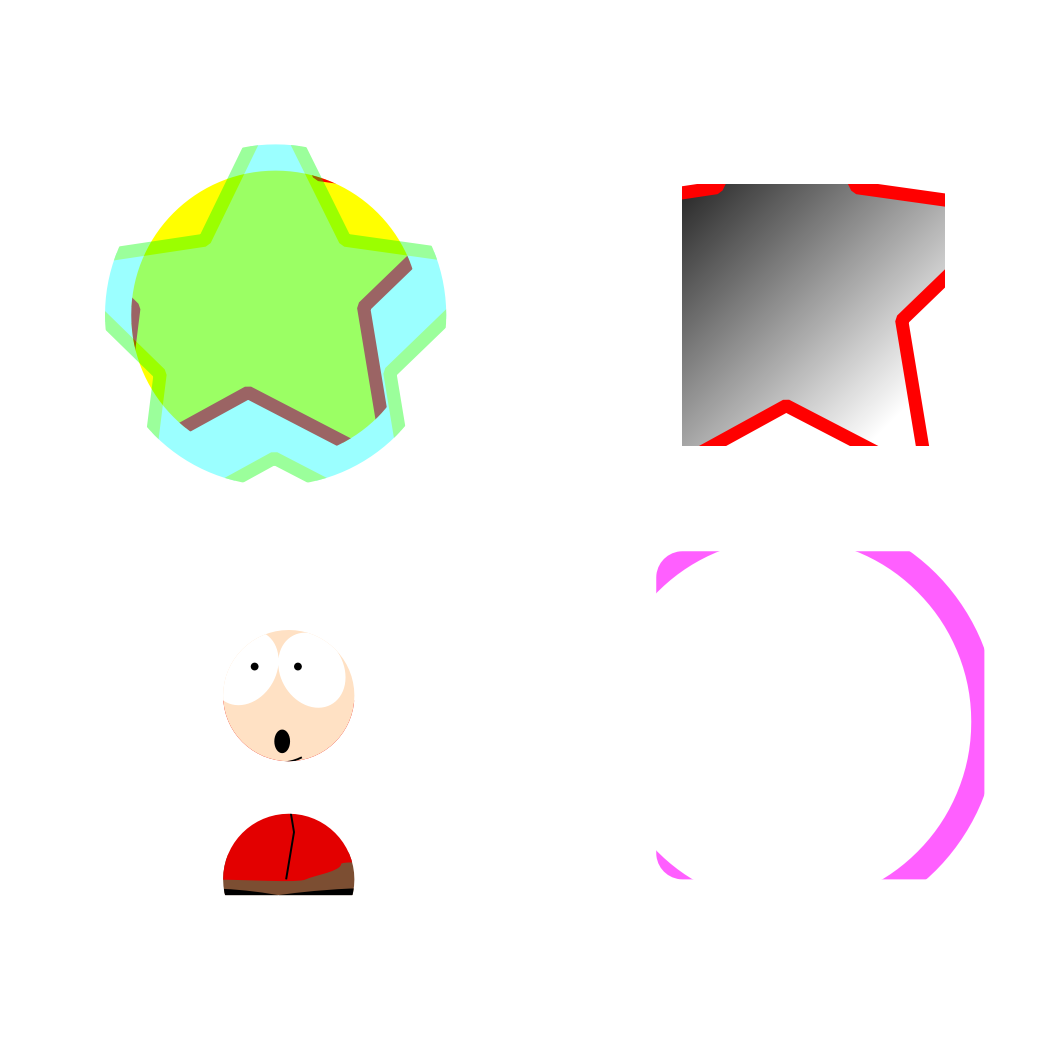
Clipping
AdvancedDemonstrate clipping for shapes and scenes
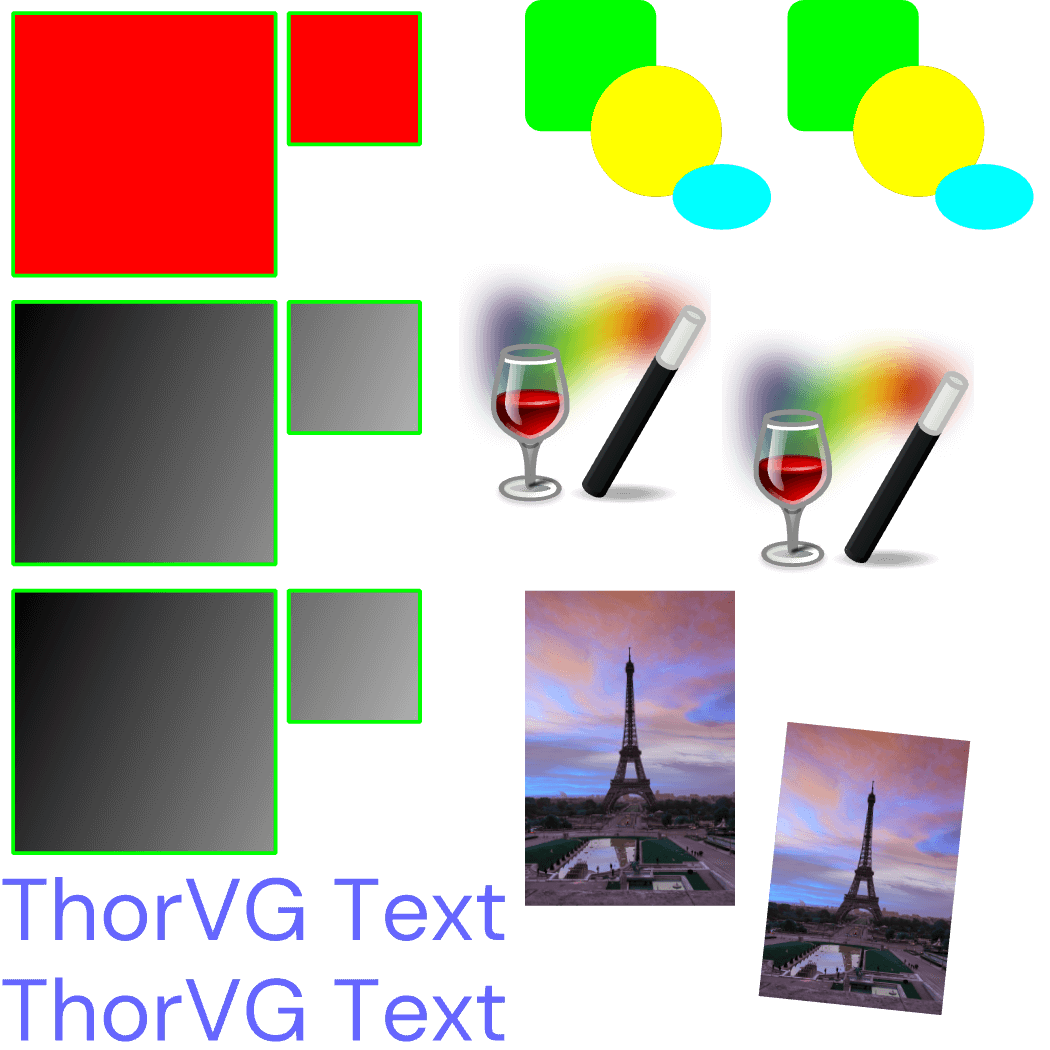
Duplication
AdvancedDuplicate shapes, scenes, pictures, and objects
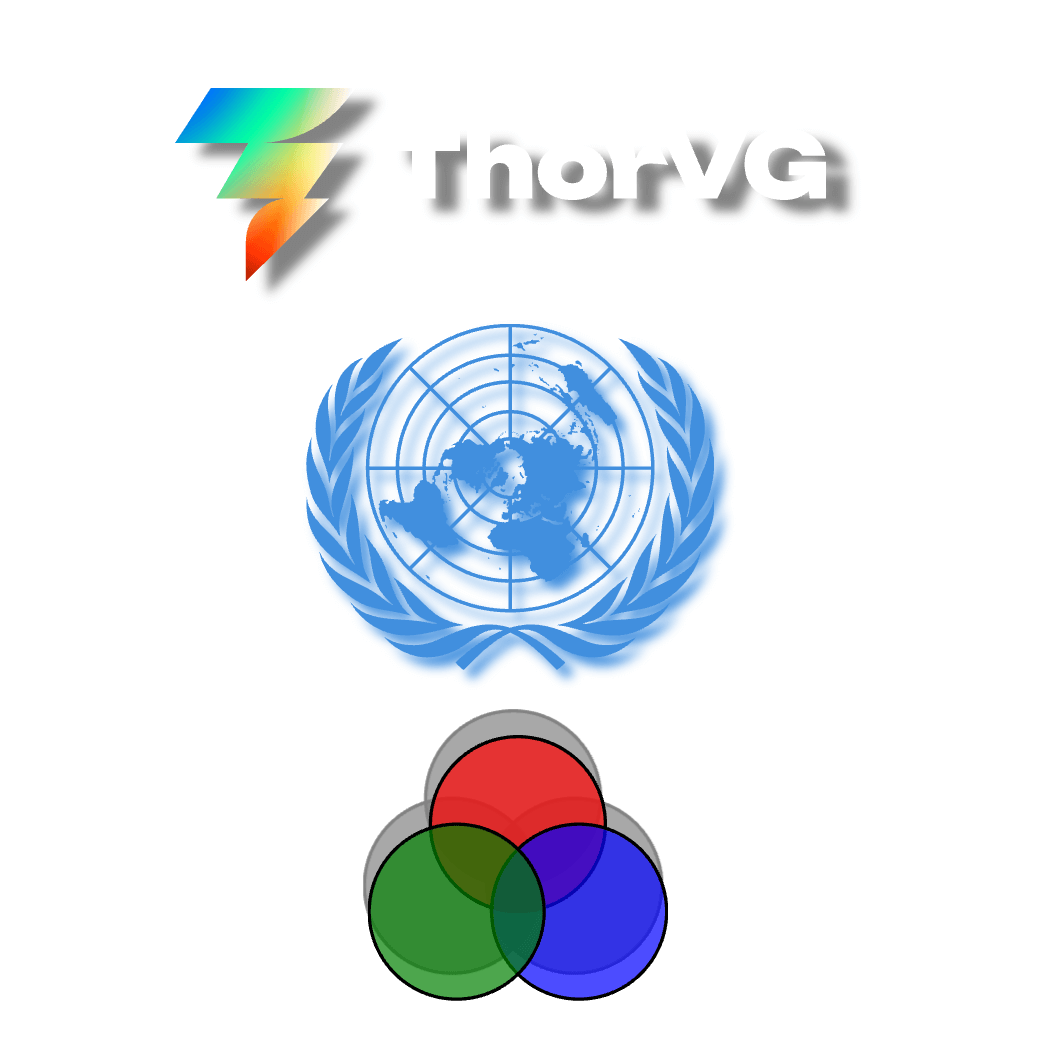
Effect Drop Shadow
AdvancedDrop shadow effect applied to scene content
Error Handling
AdvancedGlobal error handler catches
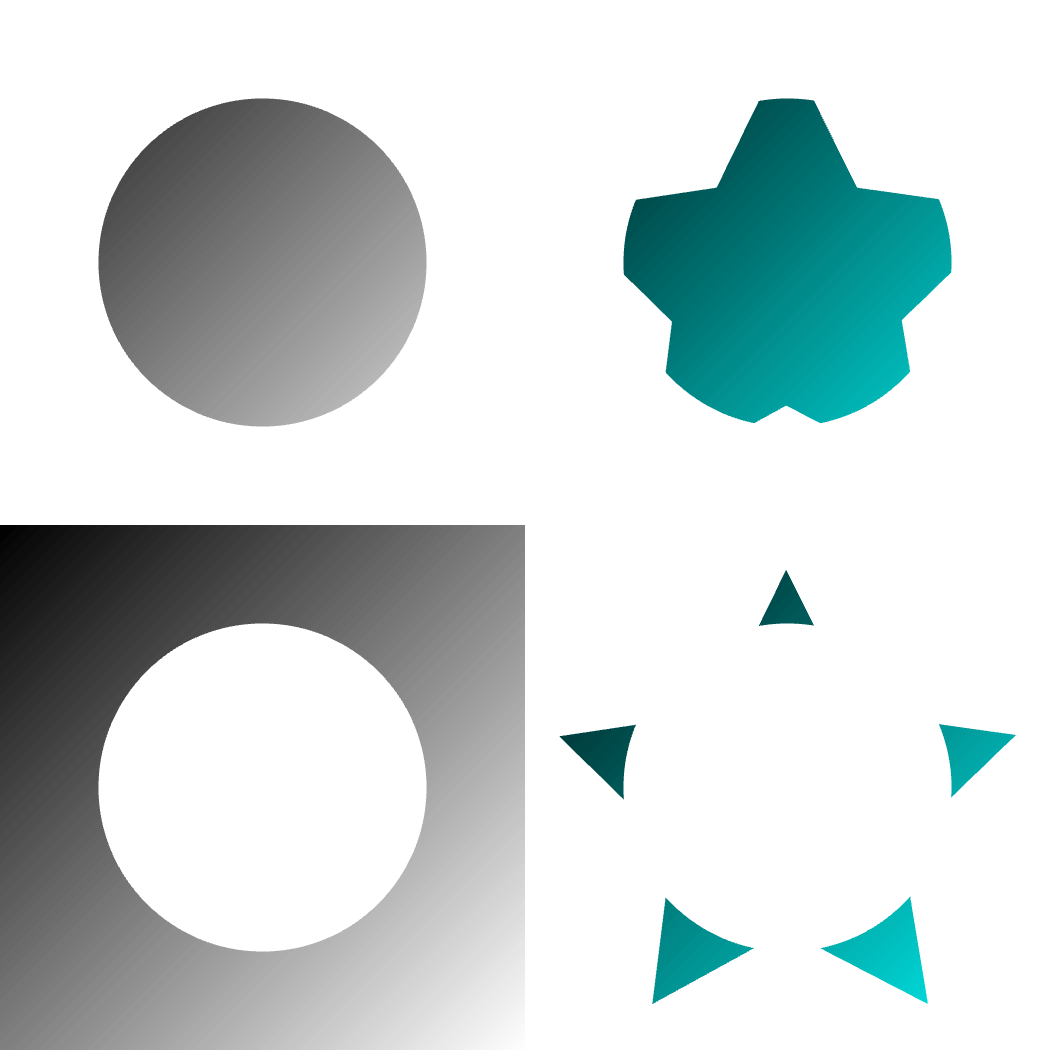
Gradient Masking
AdvancedDemonstrate Alpha and InvAlpha masking with linear gradients
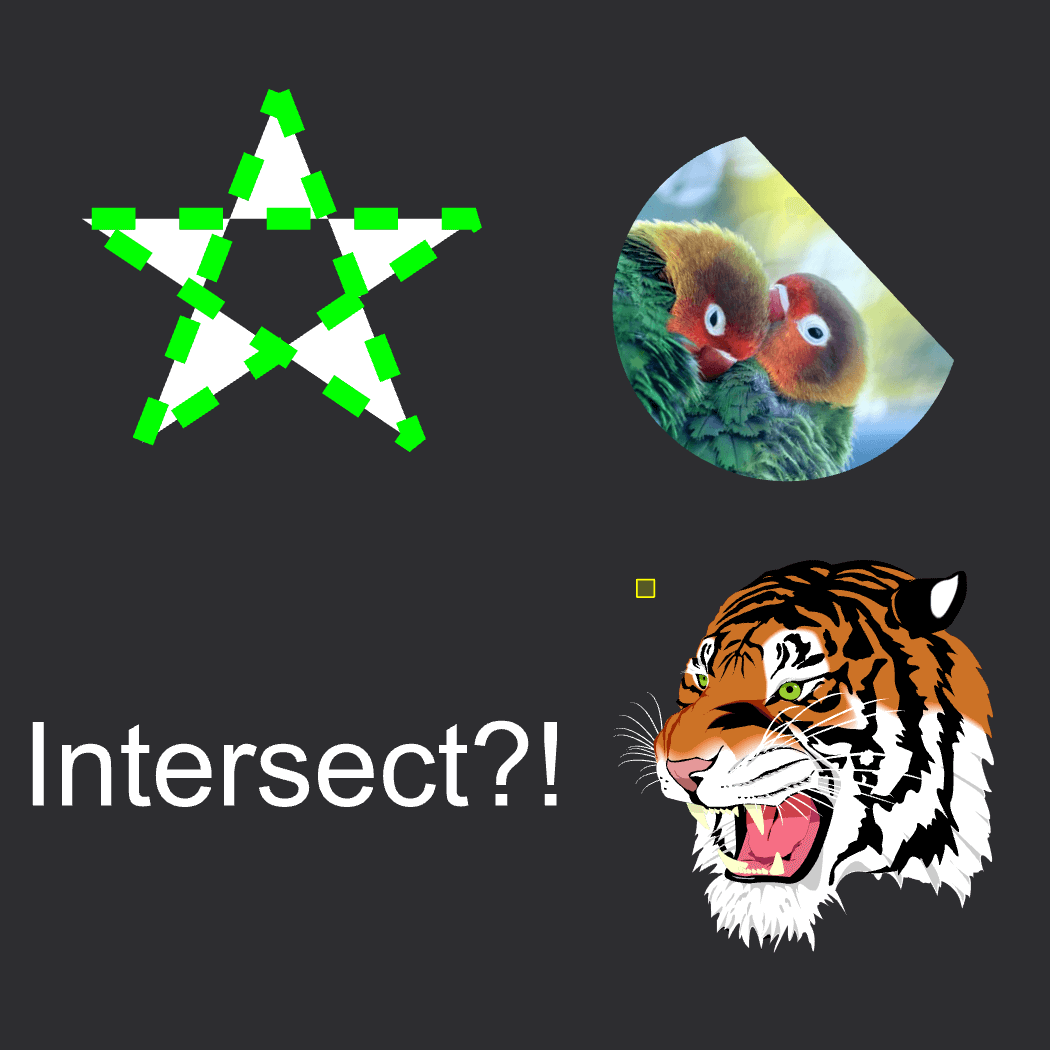
Intersects
AdvancedInteractive example demonstrating paint.intersects() API with mouse hover detection
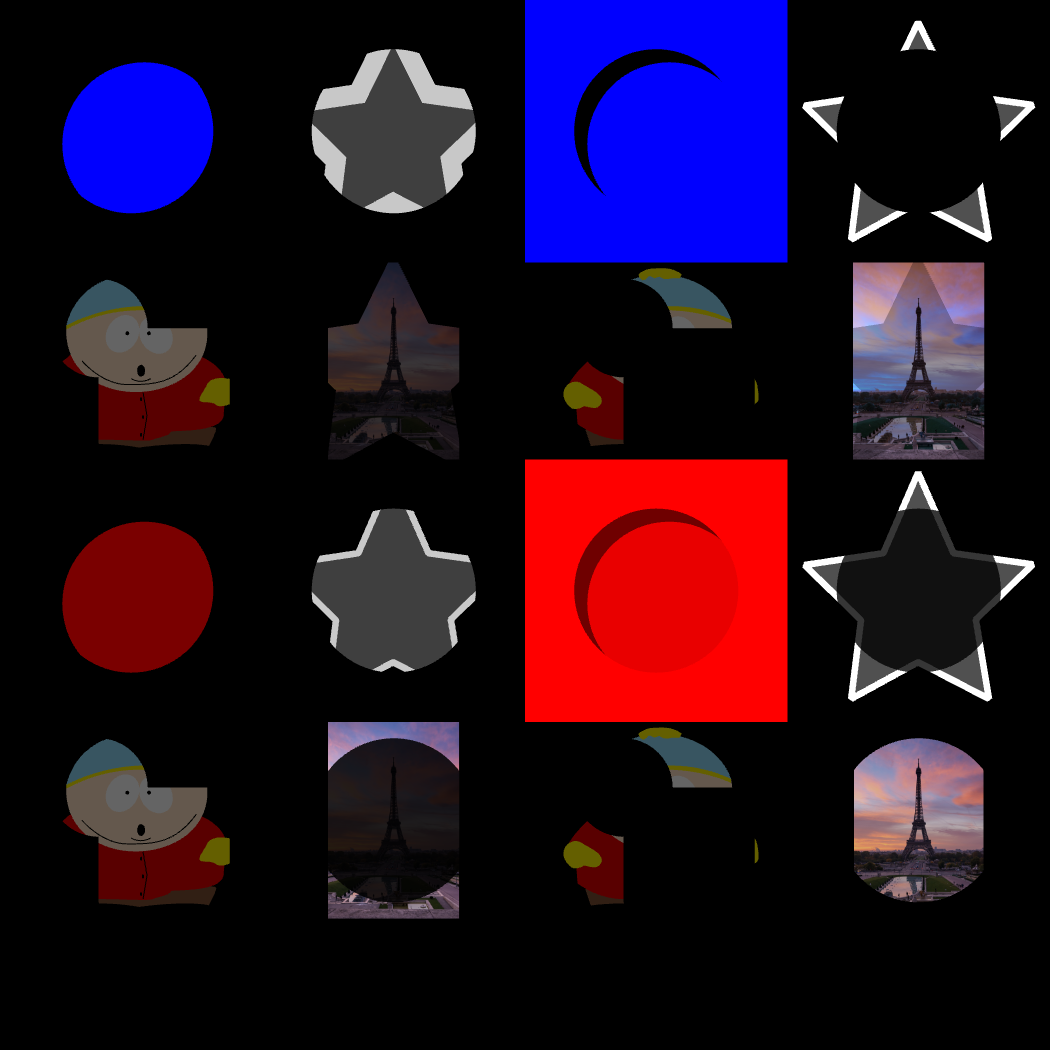
Masking
AdvancedDemonstrate Alpha, InvAlpha, Luma, and InvLuma masking with various paint types
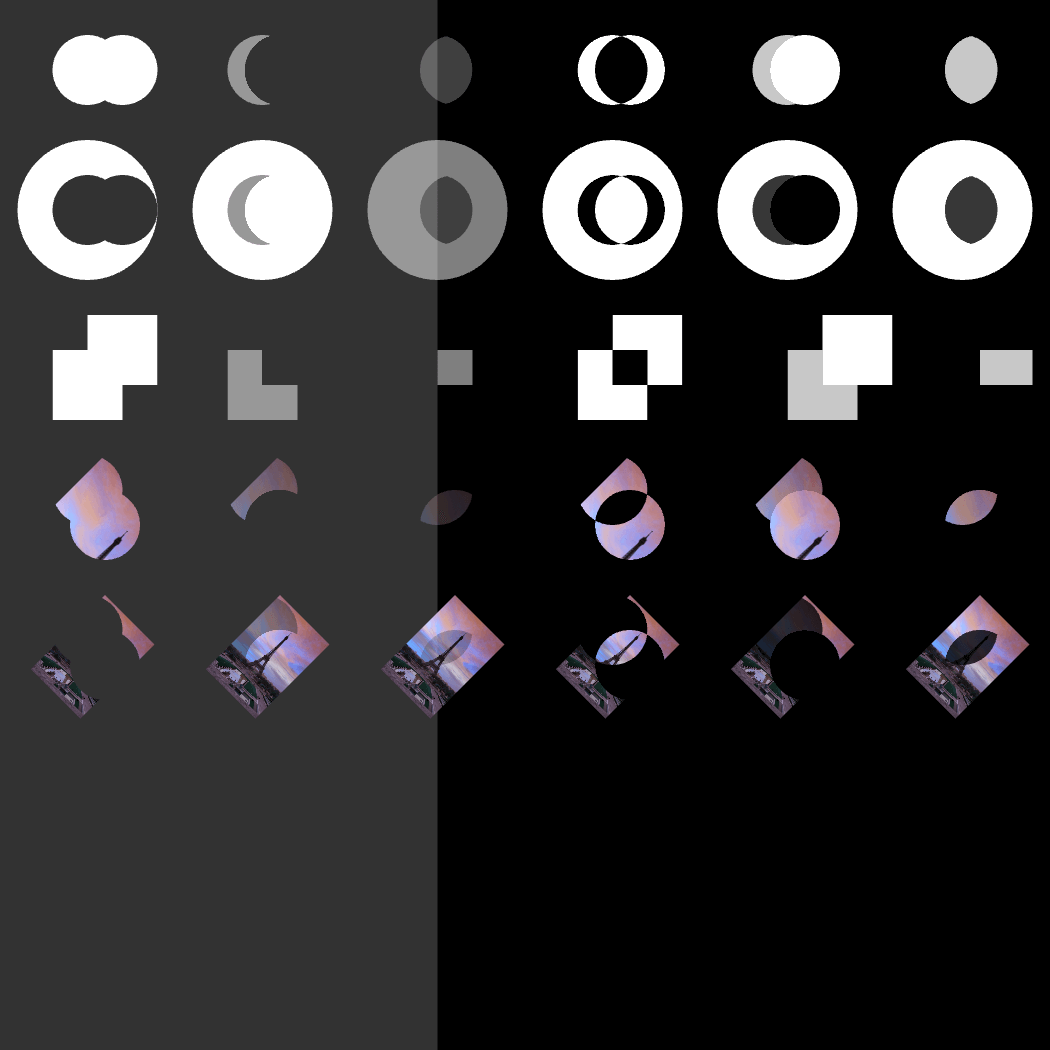
Masking Methods
AdvancedDemonstrate all 6 mask composition methods (Add, Subtract, Intersect, Difference, Lighten, Darken)
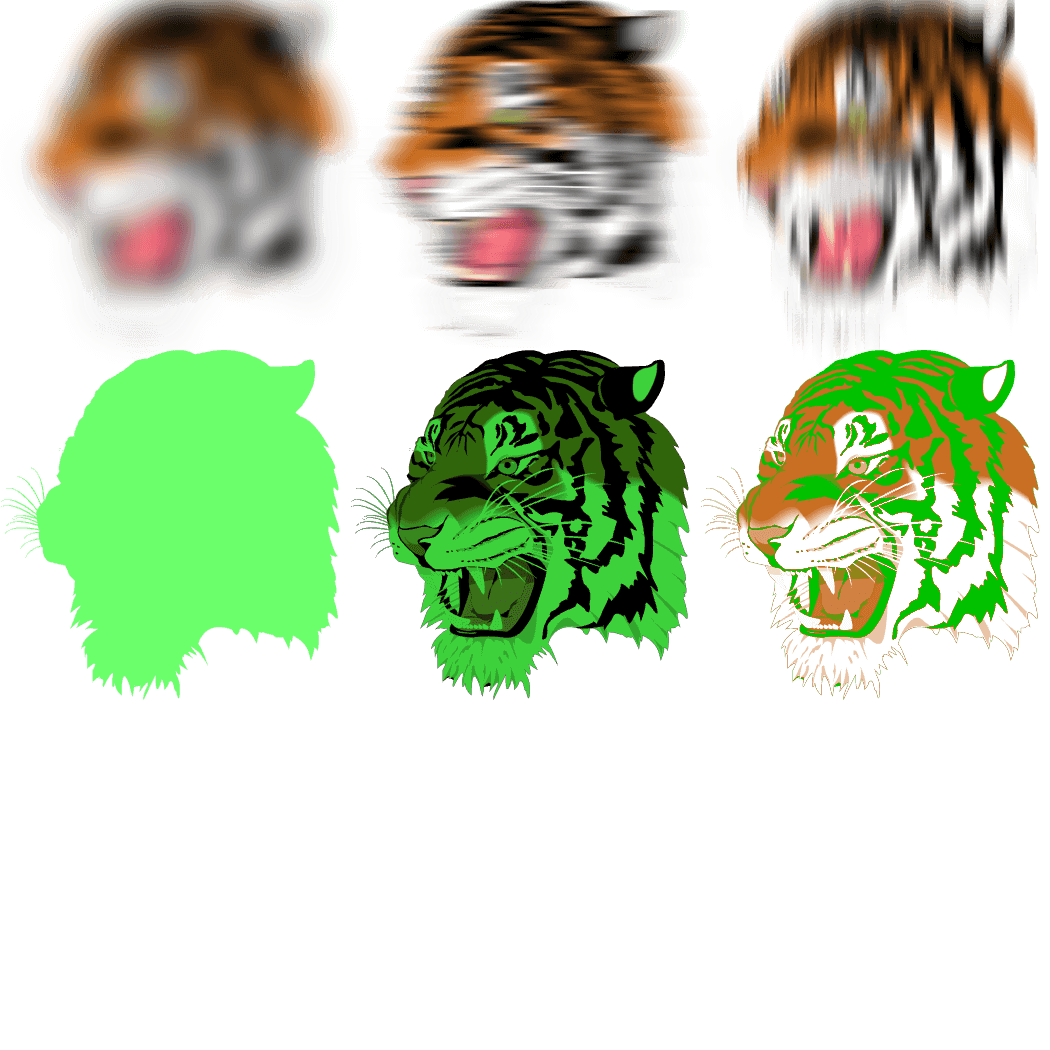
Scene Effects
AdvancedComprehensive demonstration of all scene effects: Gaussian Blur, Fill, Tint, and Tritone
Viewport
AdvancedControl canvas viewport for panning effects
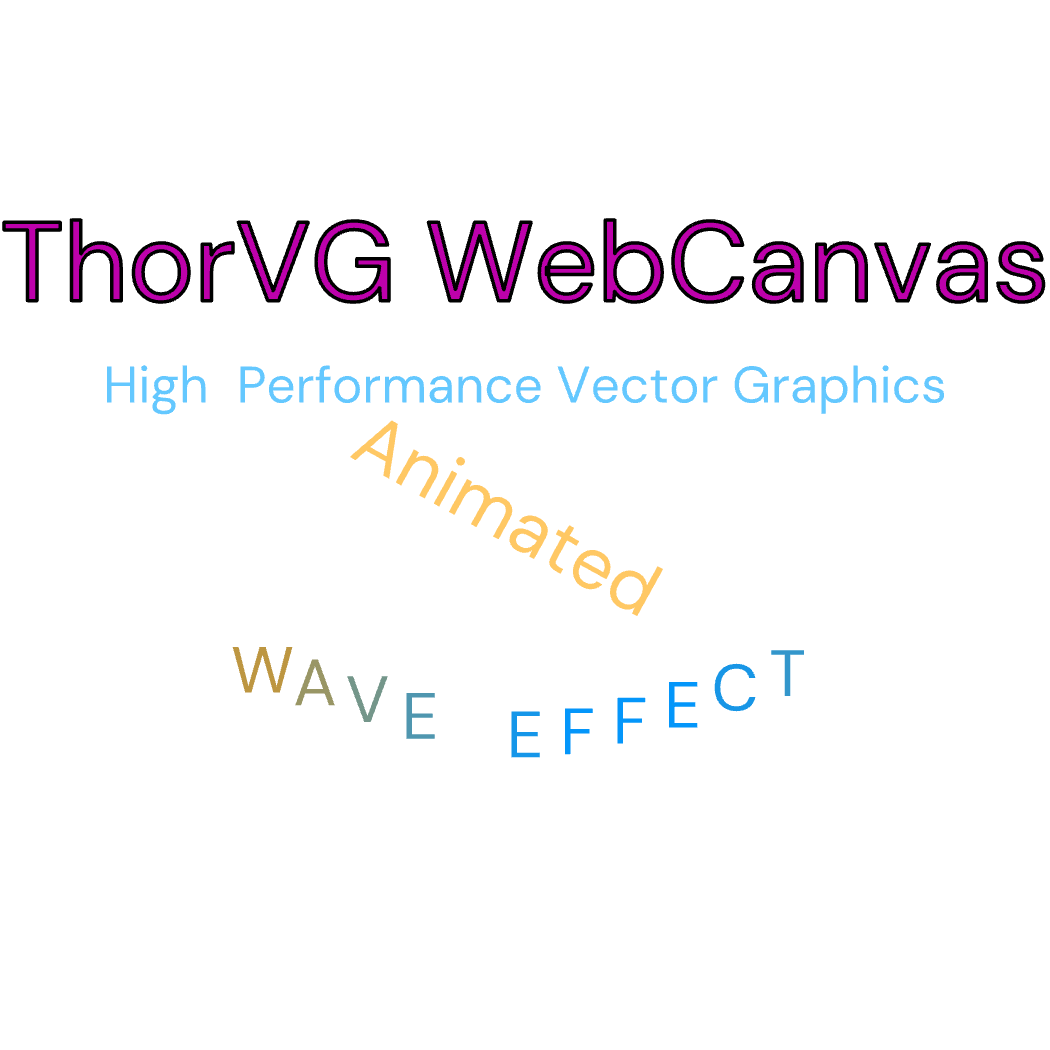
Text Effects
TextDemonstrate text animation with multiple effects
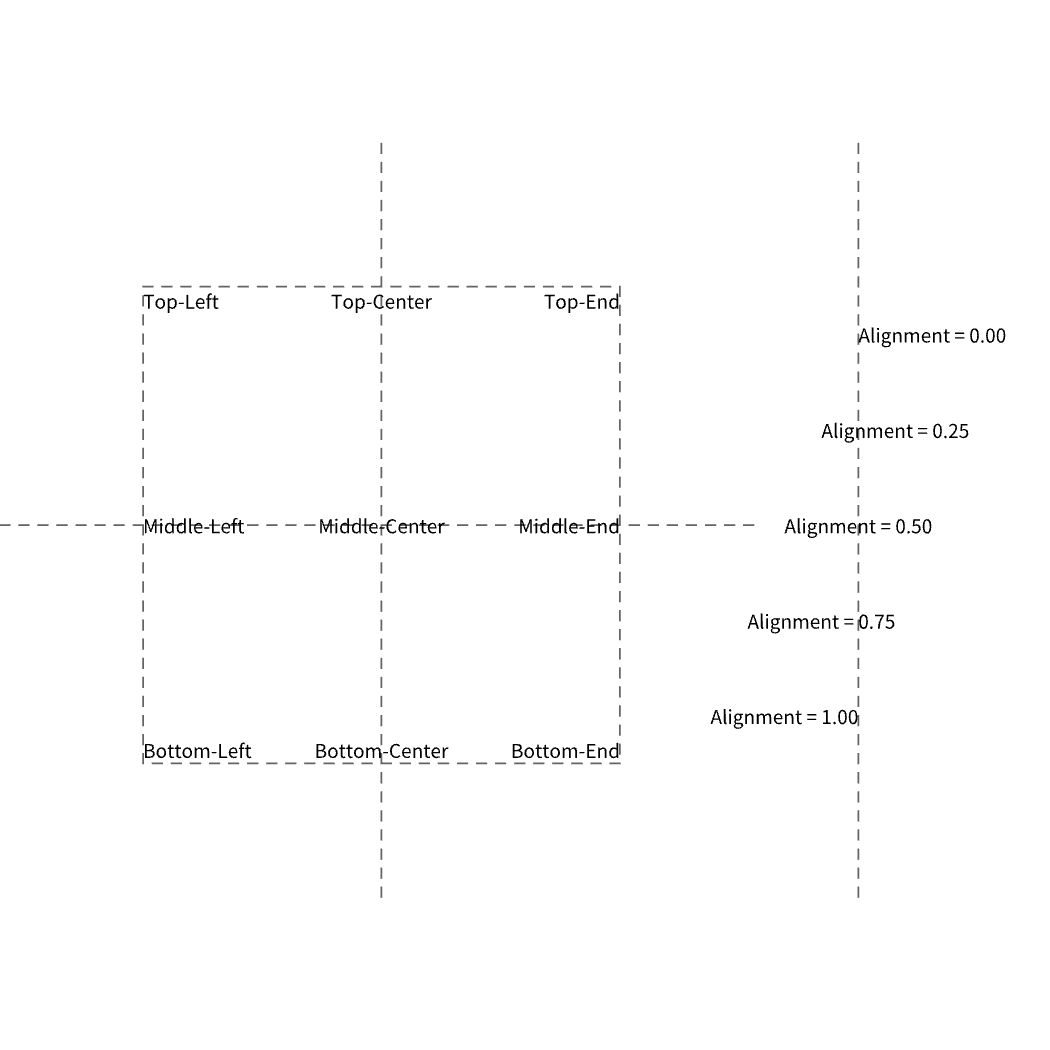
Text Layout
TextDemonstrate text layout with alignment within a bounding box
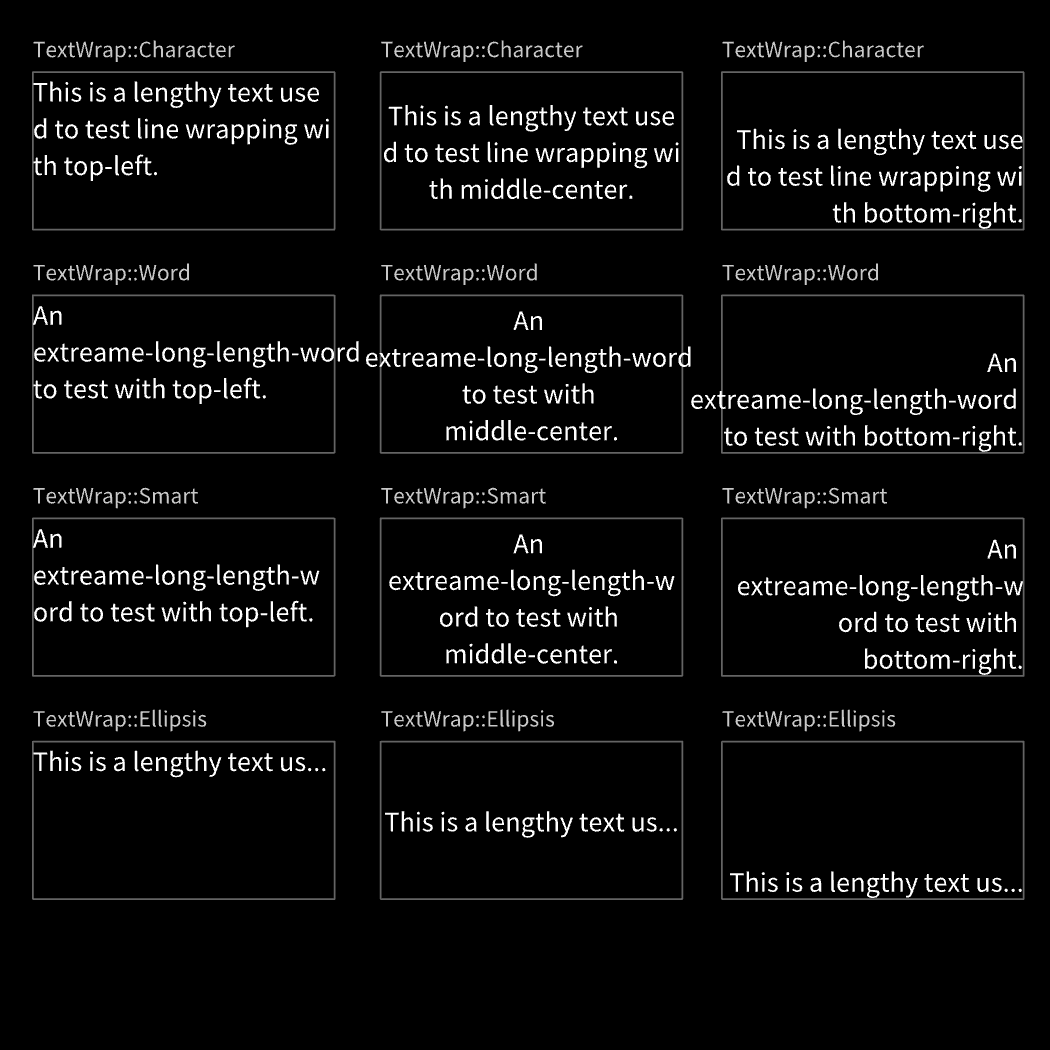
Text Line Wrap
TextDemonstrate text wrapping modes with different alignments
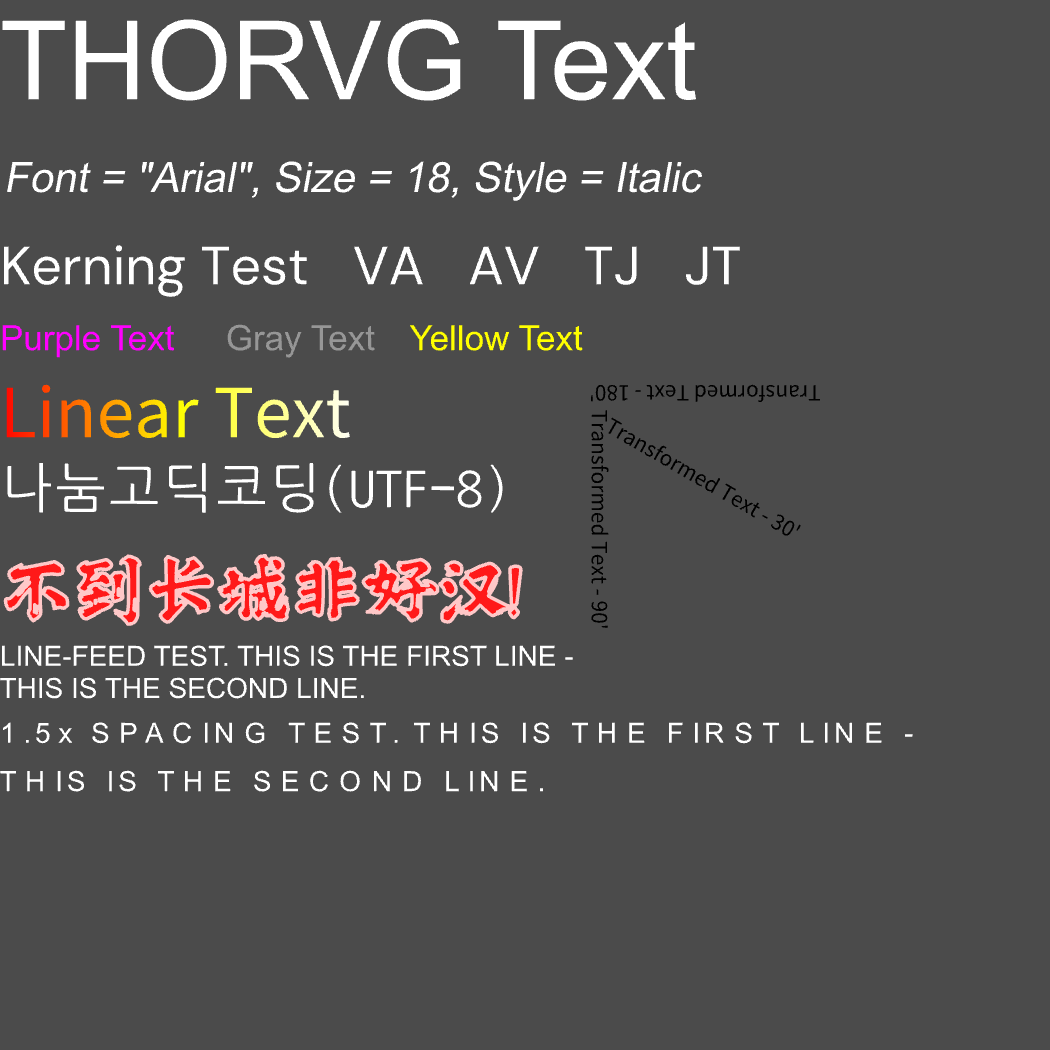
Text
TextDemonstrate basic text features
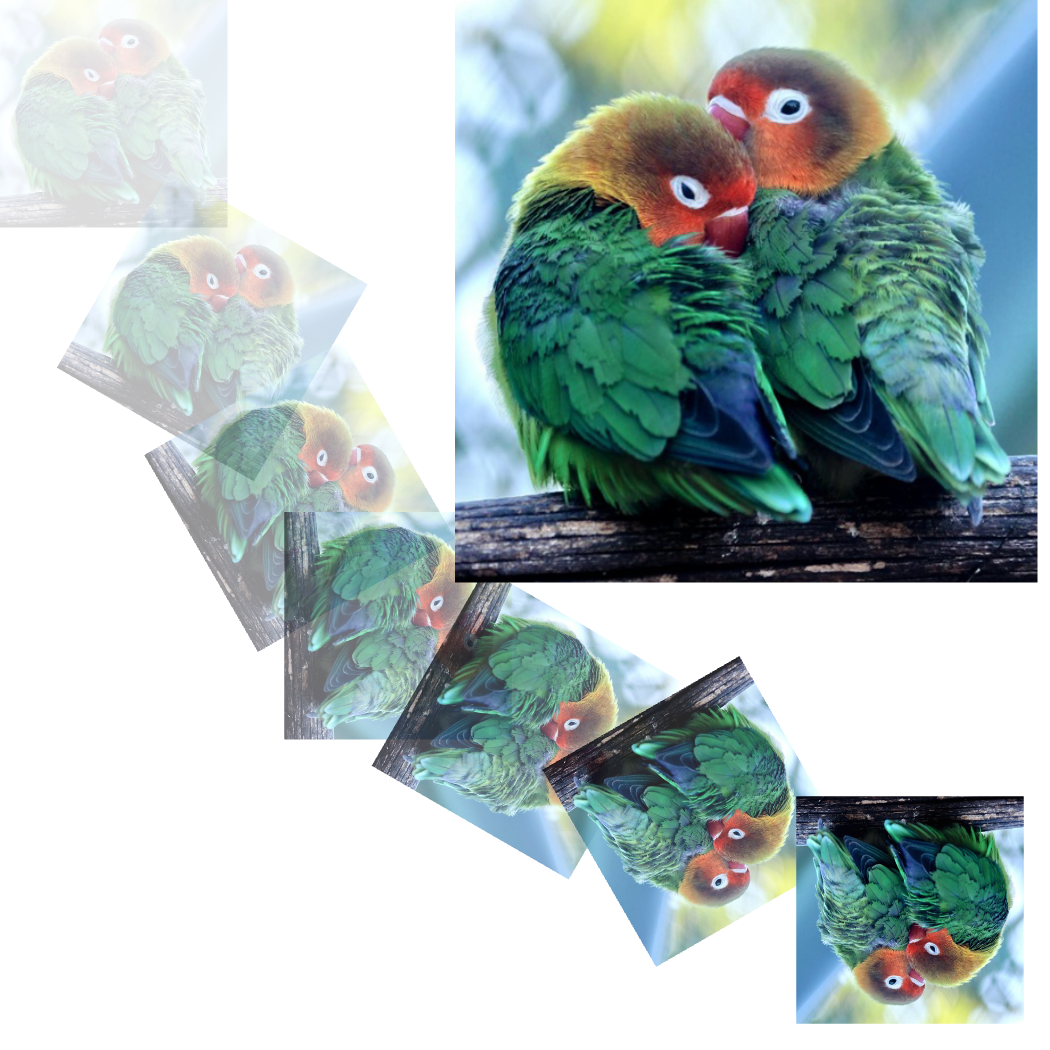
JPG
MediaLoad and display JPG images
Lottie
MediaLoad and play a Lottie animation with playback controls
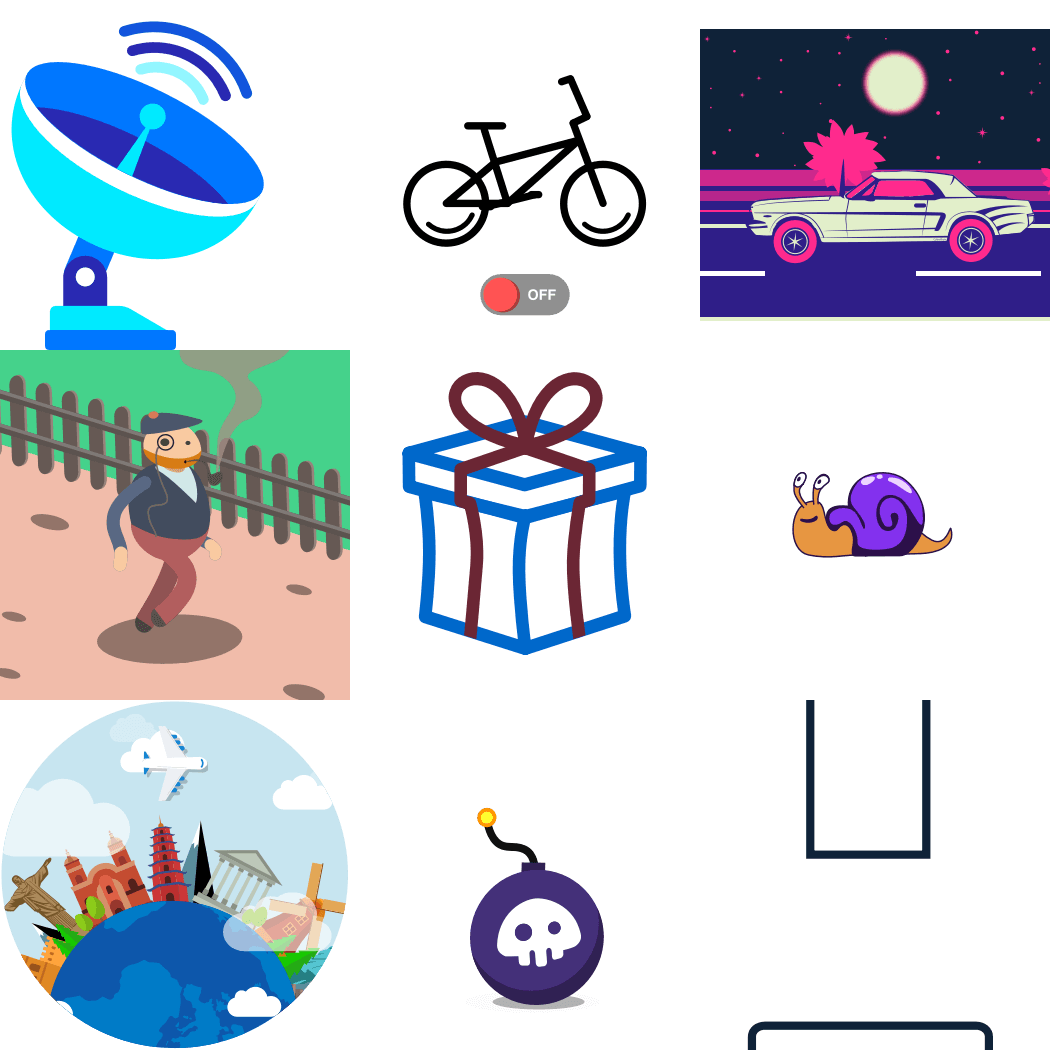
Lottie Expressions
MediaLottie animations with expressions support
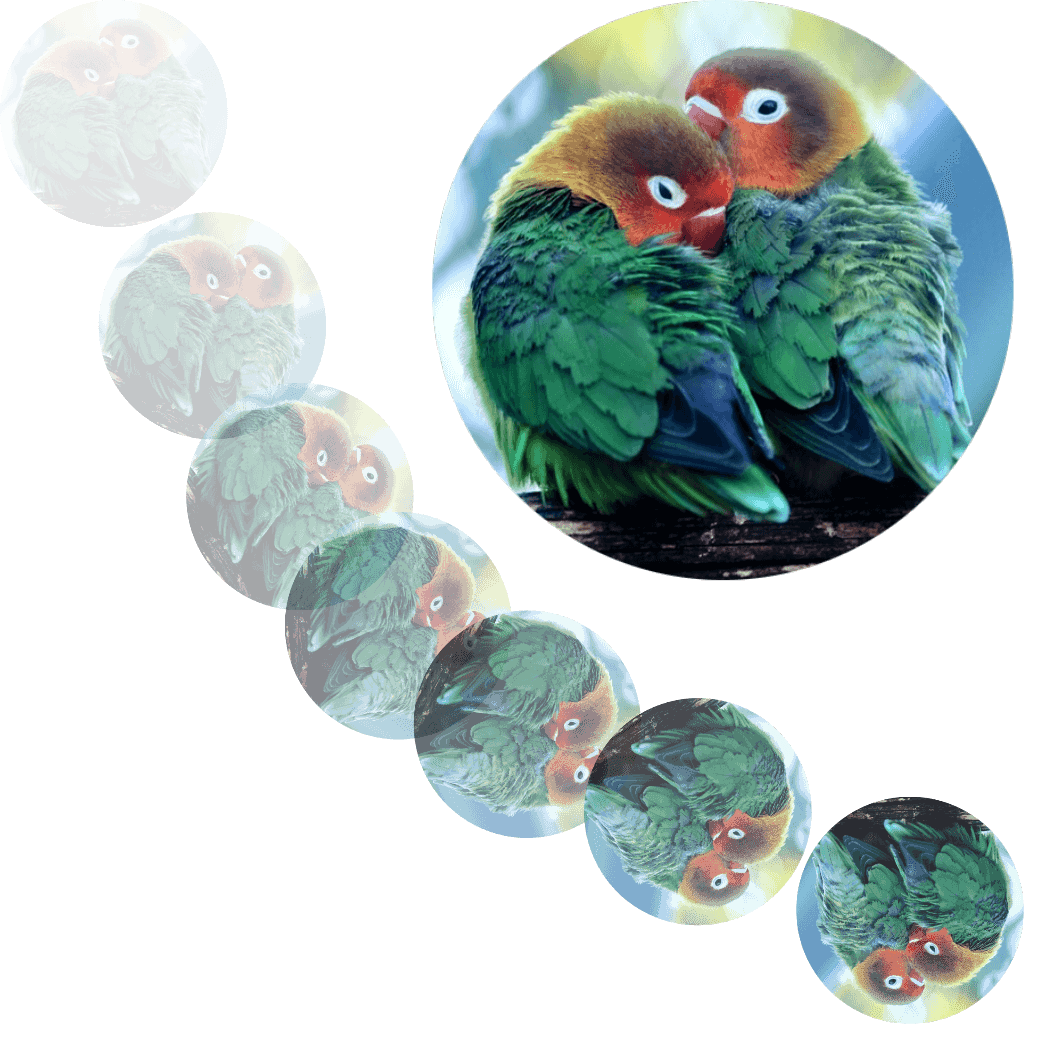
PNG
MediaLoad and display PNG images
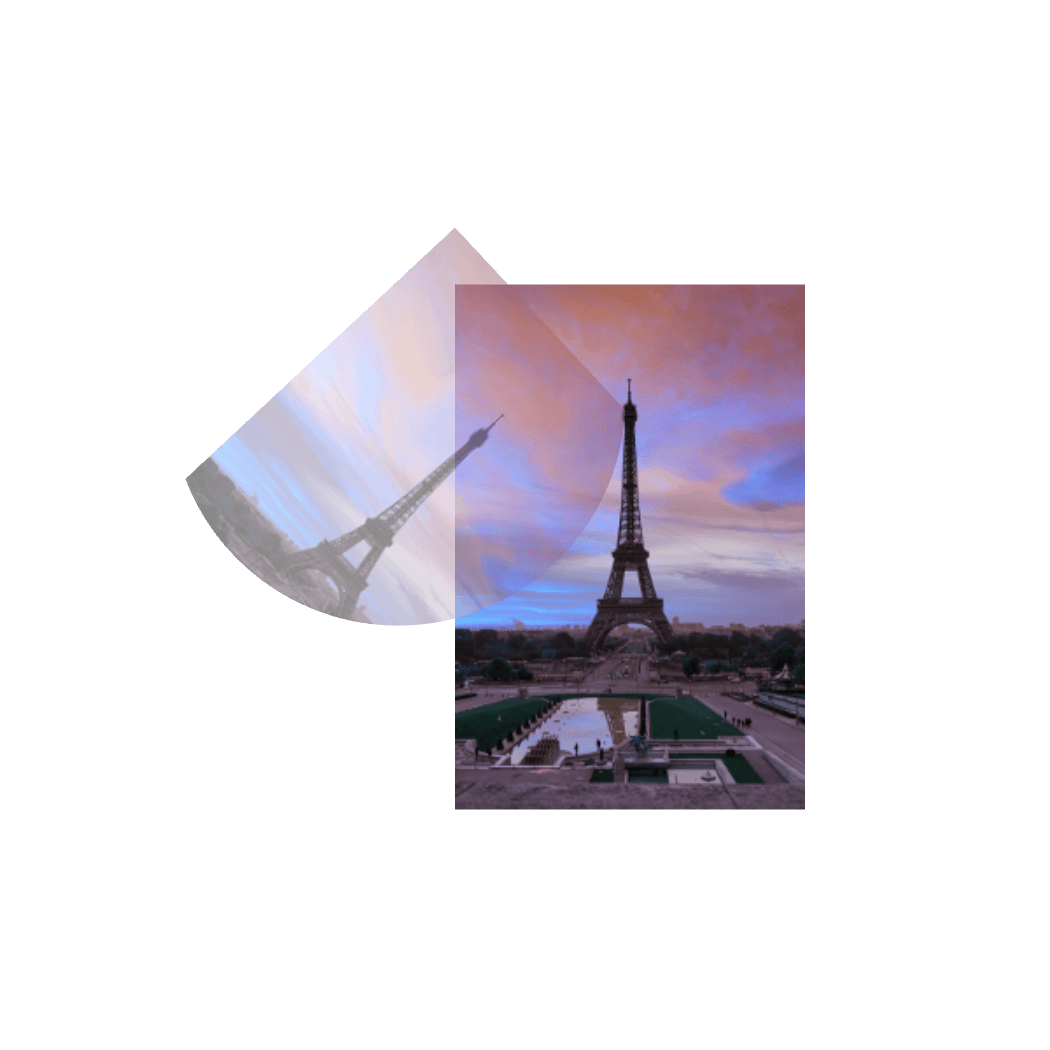
Raw
MediaLoad and display raw ARGB8888 image data
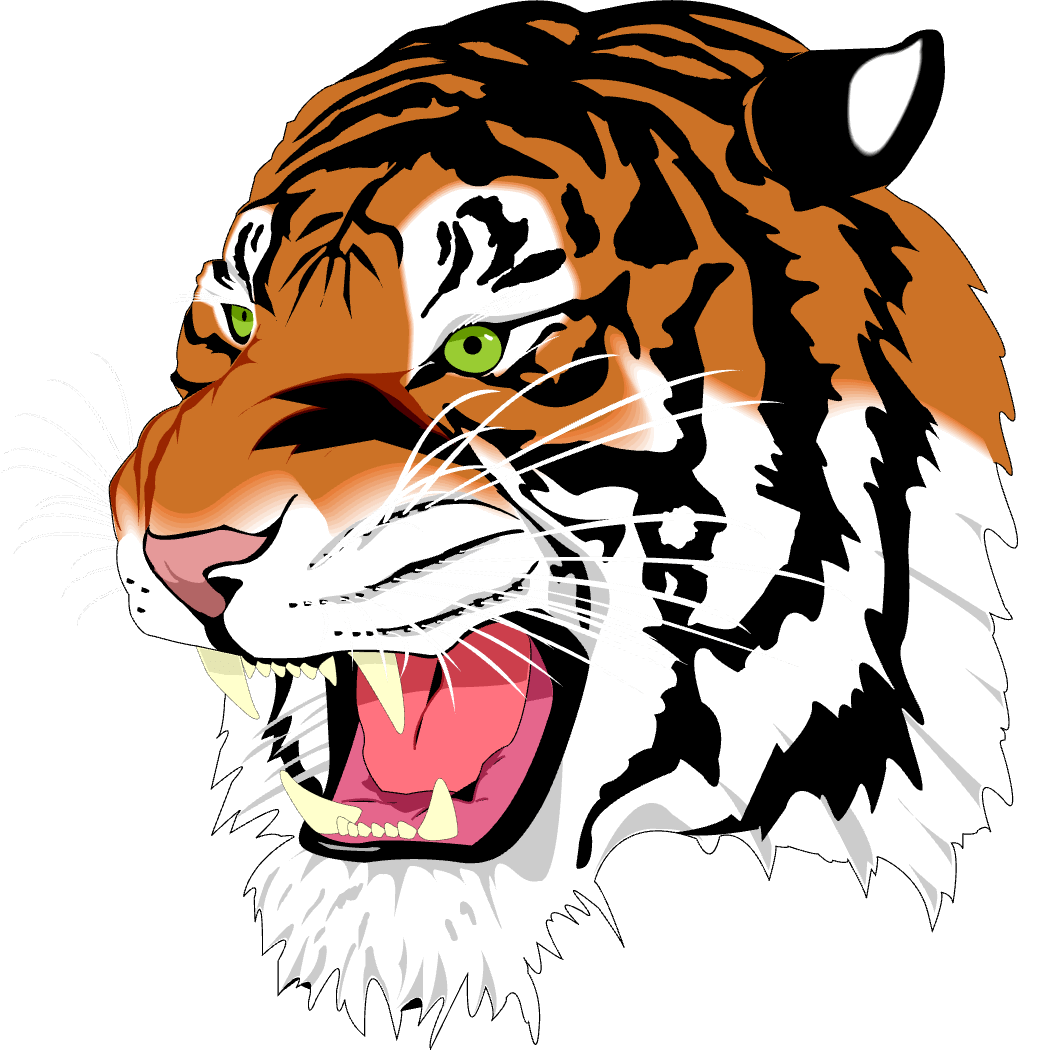
SVG
MediaLoad and display the Ghostscript Tiger SVG
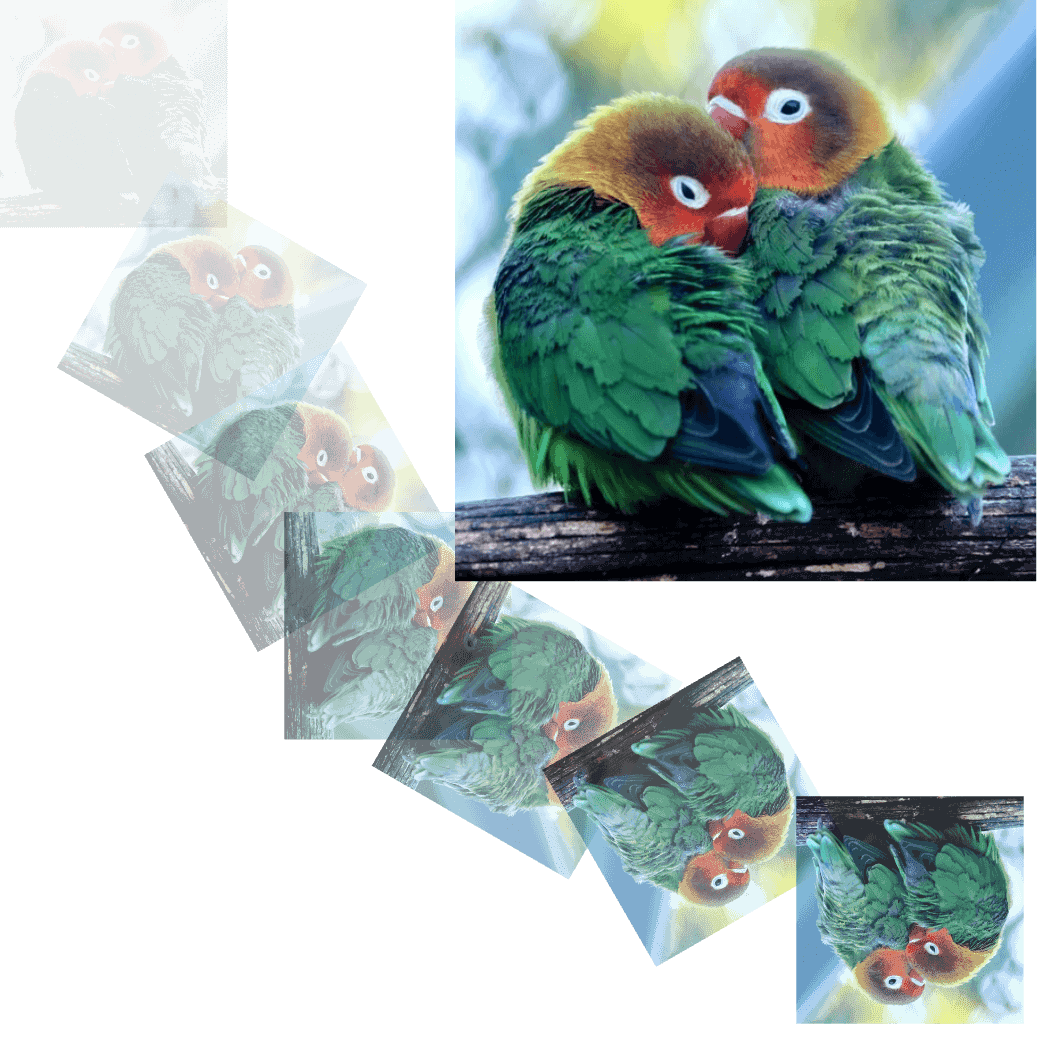
WebP
MediaLoad and display WebP images